
What are System Notifications
Currently In the event of a disruption to service customers can view system notifications via the Support Portal and User Console. These notifications will now be visible in the Phonebar.

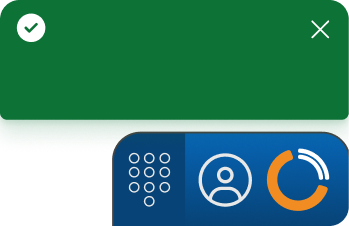
The Phonebar’s new Notifications feature introduces high-visibility pop-up alerts designed to keep you informed. It delivers system information immediately, including:
System notification types:
Notification locations
Phonebar notifications appear in multiple locations, offering different levels of detail depending on where they are displayed. Use the interactive guide below to explore where to find them.