
GOAL PATHWAY
Empower patient self-service
Our learning paths are carefully curated to help you deliver the best possible experience for staff and patients.
Empower your patients to take control of their healthcare journey with tools designed for self-service and autonomy. This pathway explores how to leverage X-on Health’s intelligent features, such as Check and Cancel and Patient Callback, to reduce call queues and minimise administrative bottlenecks. You will also dive deep into the versatile capabilities of X-flow and Surgery Assist, learning how to automate routine interactions so your patients can navigate their needs independently while your team remains focused on high-priority care.
We have created a series of courses, webinars, and resources to help you achieve this goal.
Key courses:
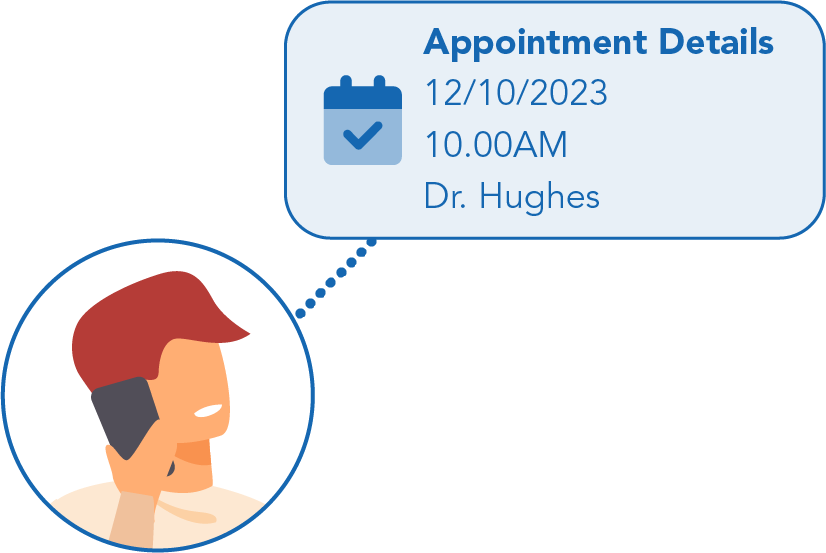
Our courses explore key self-service features, automated call flows, and AI tools like Check & Cancel and Surgery Assist. Completing these modules will help you reduce call volumes, empower patient autonomy, and free up valuable practice time for high-priority care.
Watch and learn
-
Improving the patient journey with X-flow
Can’t view the content?
X-flow is the interactive tool that allows you to view and update your Surgery Connect call flows with ease.
-
Improve the patient journey with Patient Callback
Can’t view the content?
The concept is simple – place your patients in a virtual queue, let them go about their day (saving time and money) and automatically call them back when they reach the front of the queue.
-
Enabling patient empowerment with Check & Cancel
Can’t view the content?
The Check and Cancel self-serve option allows patients to check their upcoming appointments or cancel them at their convenience, without needing to speak with reception.
-
Enhance patient access with Surgery Assist
Can’t view the content?
Learn how Surgery Assist proactively engages patients through an intuitive chatbot interface, effectively understanding and resolving complex administrative queries.

Related resources:
General resources:

Help centre

Surgery Connect newsfeed

Phonebar prompt card
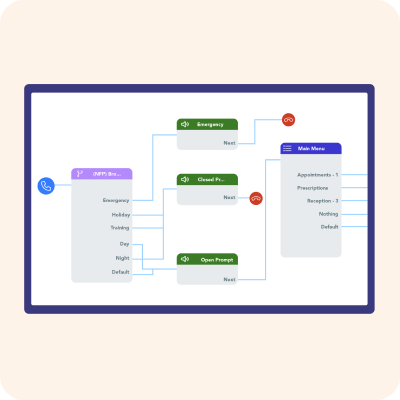
Call Routing considerations checklist
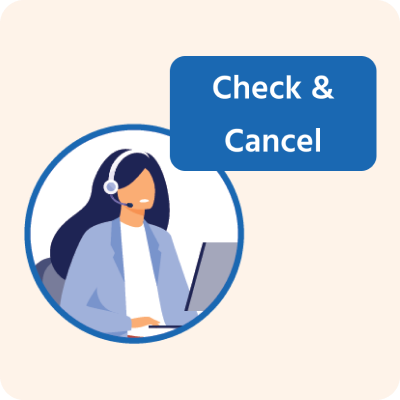
Check and Cancel troubleshooting
Patient-facing resources – supporting successful adoption:
Our collection of Patient-facing Resources make it simple to promote new features to your patients.

Surgery Assist
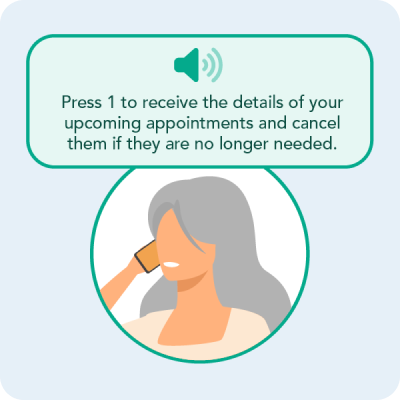
Check and Cancel

Surgery Connect
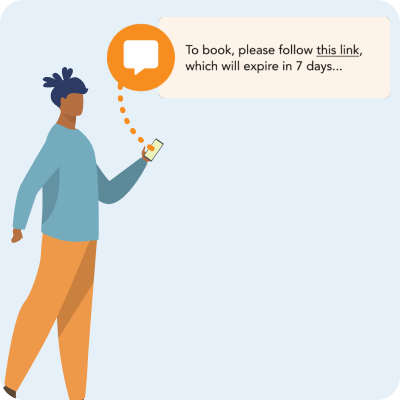
Surgery-led Appointment Bookings

Surgery Intellect
Case studies:
Streamlining patient navigation at Frome Medical Practice

The Bay Medical Practice improves access transparency via Website Widgets in Surgery Connect

Keppoch Medical Practice supports out-of-hours patient access through Surgery Assist

Alexander House Surgery enhances equitable access with Voice Agent

Reducing call wait times at Whitehill Surgery