GOAL PATHWAY
Make more time to care
Our learning paths are carefully curated to help you deliver the best possible experience for staff and patients.
Elevate your surgery’s productivity and reclaim your day by mastering the efficiency-first features of the X-on Health ecosystem. This pathway demonstrates how to significantly reduce workplace stress by optimising your personal workflow through the Surgery Connect Phonebar, designed to shave seconds off every interaction. You will also discover how this efficiency is amplified when paired with the AI-driven power of Surgery Intellect and the unified communication capabilities of Omni Consultations, ensuring your team can manage high volumes with ease and precision.
We have created a series of courses, webinars, and resources to help you achieve this goal.

Key courses:
These courses cover essential Surgery Connect capabilities—including Phonebar efficiency, AI documentation via Surgery Intellect, and Omni Consultations. Complete the pathway to streamline daily consultation workflows, reduce administrative burden, and maximise time spent with patients.
Watch and learn
-
Introducing the latest Surgery Intellect, powered by TORTUS enhancements
Can’t view the content?
Learn how Surgery Intellect automates clinical documentation with ambient voice technology, custom templates, EHR filing, and meeting modes for efficient practice workflows.
-
Equity of access: Introducing Omni Consultations
Can’t view the content?
Streamline patient access with a unified workflow that handles voice, digital, and staff-supported requests. This session features a live Voice Agent demo, showing how automated call-ins capture structured data to ease form reliance and reduce queues. You will learn to lower call volumes via self-booking, automate triage with Surgery Assist, and ensure true patient choice, all while accessing the CPD-certified training needed for a smooth rollout.
-
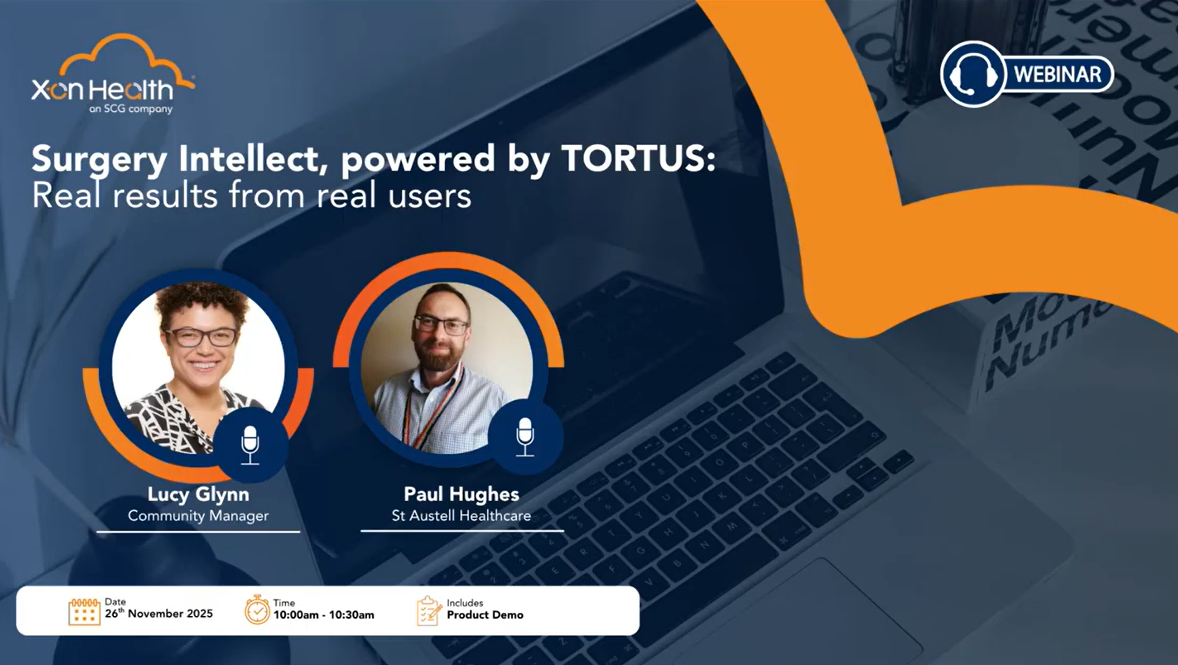
Intellect – Real results from real users
Can’t view the content?
In this live, 30-minute session, attendees heard directly from early adopters about how Ambient Voice Technology (AVT) is cutting admin, restoring focus and helping clinicians spend more time with patients.
-
Improving the patient journey with X-flow
Can’t view the content?
X-flow is the interactive tool that allows you to view and update your Surgery Connect call flows with ease.
-
Introduction to Management Reporting
Can’t view the content?
Make best use of these reports to check you are making progress and improving patient access through the Surgery Connect features implemented and changes made.
-
Streamline workflows with Advanced Clinical Systems Integration
Can’t view the content?
Advanced integration via API access to the clinical management system enables a range of enhanced features to be delivered by cloud based telephony whilst providing greater safety and compliance.
Related resources:
General resources:

Help centre

Surgery Connect newsfeed

Phonebar prompt card
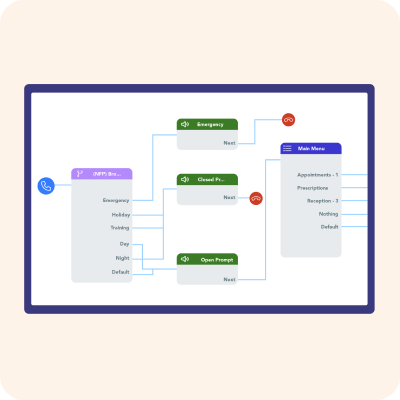
Call Routing considerations checklist

Check and Cancel troubleshooting
Patient-facing resources – supporting successful adoption:
Our collection of Patient-facing Resources make it simple to promote new features to your patients.

Surgery Assist
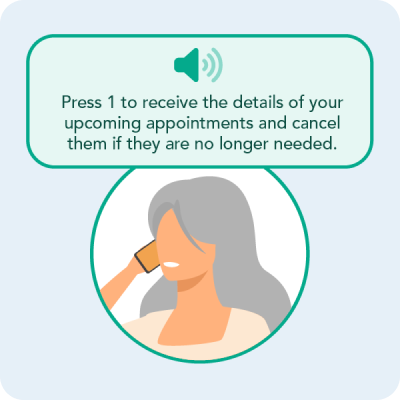
Check and Cancel

Surgery Connect

Surgery-led Appointment Bookings

Surgery Intellect
Case studies:
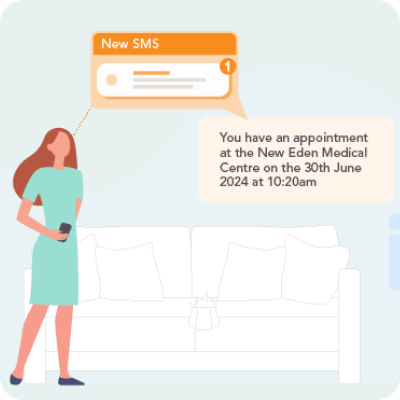
Streamlining patient navigation at Frome Medical Practice

The Bay Medical Practice improves access transparency via Website Widgets in Surgery Connect

Keppoch Medical Practice supports out-of-hours patient access through Surgery Assist

Alexander House Surgery enhances equitable access with Voice Agent

Reducing call wait times at Whitehill Surgery