patient-facing resources
Check and Cancel
Our resources are easy to access, download, or print, making it simple to promote Check and Cancel and its features to your patients.
Please review the content to ensure it aligns with your intended message and maintains the tone of voice you wish to convey.
Page contents
Poster
A print-ready poster to place in your building to help communicate to your patients.

Newsletter and website information
Introductory information that can be published in your surgery newsletter or in the ‘News’ section of your website, containing more details for your patients to read.
Suggested Newsletter and Website Information
Check and Cancel: A quick & easy way to manage your Appointments
We’re excited to introduce a new feature available through our phone system that makes managing your appointments easier than ever – Check and Cancel.
With this simple option, you can now quickly check your upcoming appointments and, if needed, cancel them easily by using the phone system, without the need to speak to a member of the team. This means:
- Less time on hold – No need to queue to check or cancel
- Fewer missed appointments – A quick check helps you remember your bookings
- Better access for all – Helping free up appointments for other patients who need them
- 24/7 flexibility – Available even outside surgery hours
Simply enter your date of birth on the phone keypad when prompted. If the system matches your details with the number you are calling in on, it will read out your upcoming appointments. You can also cancel an appointment with a key press and receive a confirmation via SMS.
To use this service, just follow the voice prompts when you call the surgery and select the option to check or cancel your appointment. It’s a fast and easy way to stay on top of your healthcare needs!
Social media templates
We have pre and post-launch examples of text and images that you can use to promote the new feature to your patients.
Suggested pre-launch social media template
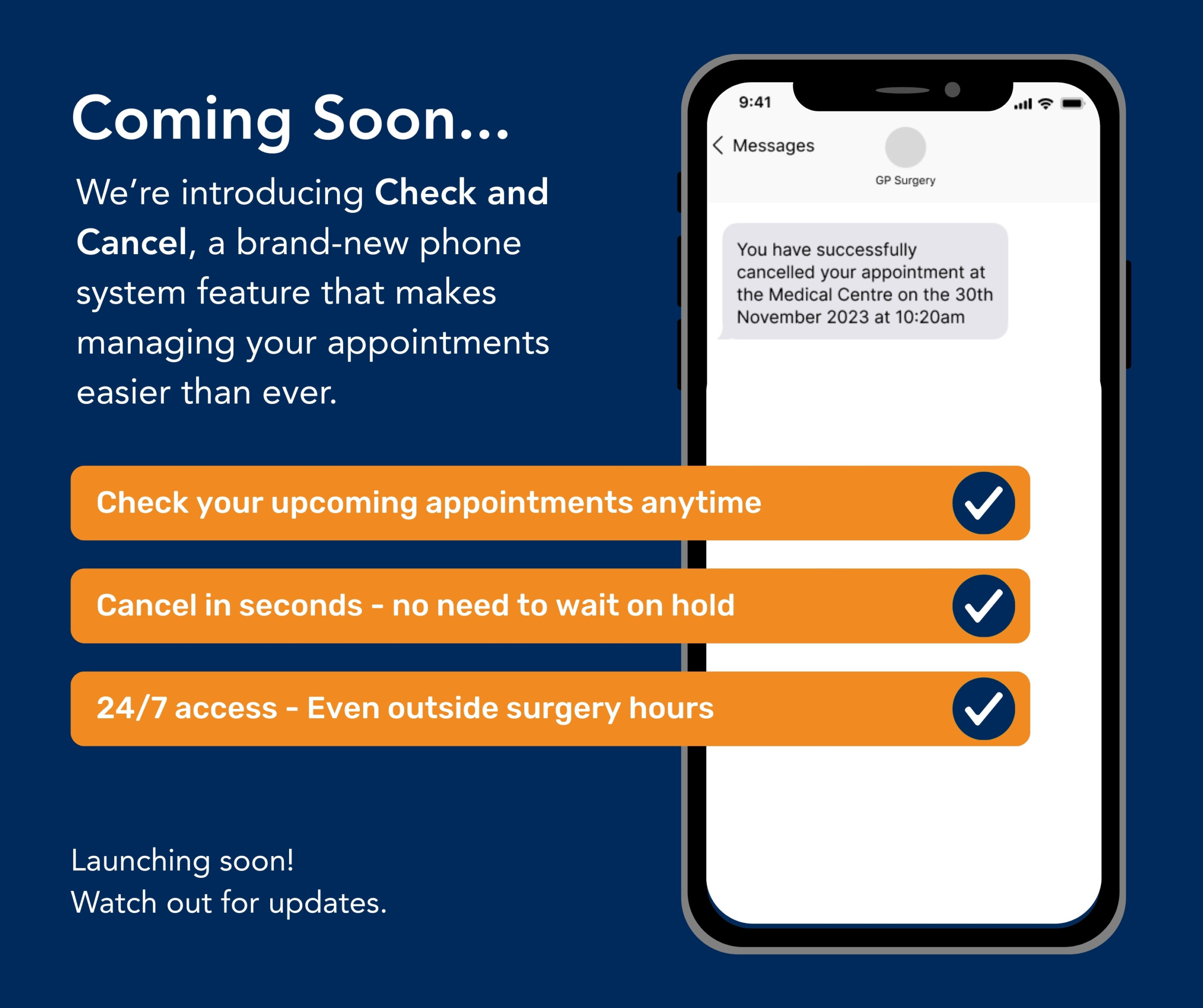
Coming Soon – A Faster Way to Manage Your Appointments!
Exciting news! We’re introducing Check and Cancel, a brand-new phone system feature that makes managing your appointments easier than ever.
✅ Check your upcoming appointments anytime
✅ Cancel in seconds – no need to wait on hold
✅ 24/7 access – Even outside surgery hours
Launching soon! Watch out for updates. 👀
Suggested post-launch social media template
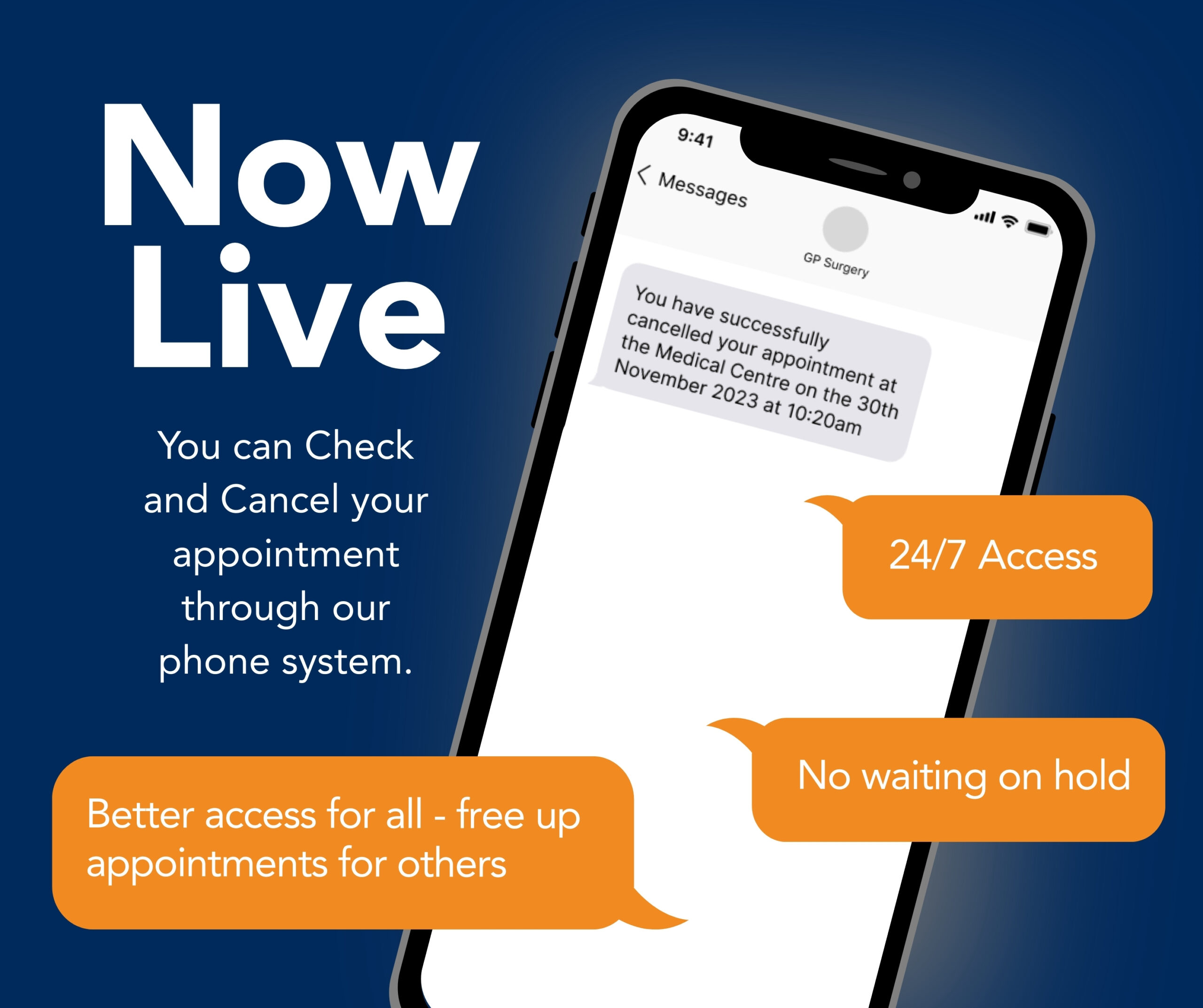
Check & Cancel is LIVE!
Managing your appointments just got easier! Check and Cancel is now available through our phone system.
- ✅ No waiting on hold – Check or cancel appointments in seconds!
- ✅ 24/7 access – Manage your bookings anytime
- ✅ Better access for all – Free up appointments for others
Simply call the surgery, follow the voice prompts, and stay in control of your healthcare. Try it today!

Digital display templates
We have pre and post-launch examples of resources that you can display in reception and waiting room areas to promote the new feature to your patients.

Email templates
Example wording that can be used in an email to help you explain to your patients what Check and Cancel is.
Suggested Pre-Launch Email Template
Subject: Exciting News! A New Way to Manage Your Appointments
Dear [Patient’s Name],
We’re introducing a brand-new feature to make managing your appointments easier than ever! Check and Cancel will soon be available through our phone system, giving you more flexibility and control.
With this new service, you’ll be able to:
✅ Check your upcoming appointments anytime – no need to call reception
✅ Cancel an appointment instantly if you can’t attend
✅ Access this service 24/7 – even outside surgery hours
Stay tuned for more details!
[Your GP Surgery Name]
Suggested Post-Launch Email Template
Post-Launch
Subject: NEW! Manage Your Appointments Easily by Phone
Dear [Patient’s Name],
Great news! You can now manage your appointments quickly and easily with our new Check and Cancel feature.
✅ No waiting on hold – Check or cancel appointments in seconds
✅ Available 24/7 – Even outside surgery hours
✅ Better access for all – Free up appointments for others
To use the service, simply call the surgery, follow the voice prompts, and enter your date of birth when prompted. If needed, you can cancel with a key press and receive an SMS confirmation.
Try it today and take control of your healthcare with ease!
[Your GP Surgery Name]
SMS templates
Example SMS messages you could send to your patients to help explain to your patients what Check and Cancel is.
Suggested pre-launch SMS template
Pre-launch
Coming soon! We’re launching Check and Cancel, a quick & easy way to manage your appointments by phone, no need to wait on hold! Stay tuned.Suggested Post-Launch SMS Template
Suggested post-launch SMS template
Post-launch
Check & Cancel is now LIVE! Easily check or cancel your appointments anytime using our phone system, no queue, no hassle! Call the surgery to try it now.