patient-facing resources
Surgery Assist
This page provides sample information and promotional resources that are easy to request, download, or print, making it simple to promote Surgery Assist to your patients.
Please review the content to ensure it aligns with your intended message and maintains the tone of voice you wish to convey.
Page Contents
Surgery Assist communication kit
We offer a comms kit that includes customisable versions of the following resources for your practice, including your practice logo and an image of your personalised avatar. Below are examples of the templated content.
Please speak with your Customer Success Advisor to request a comms kit or avatar at [email protected].
Posters
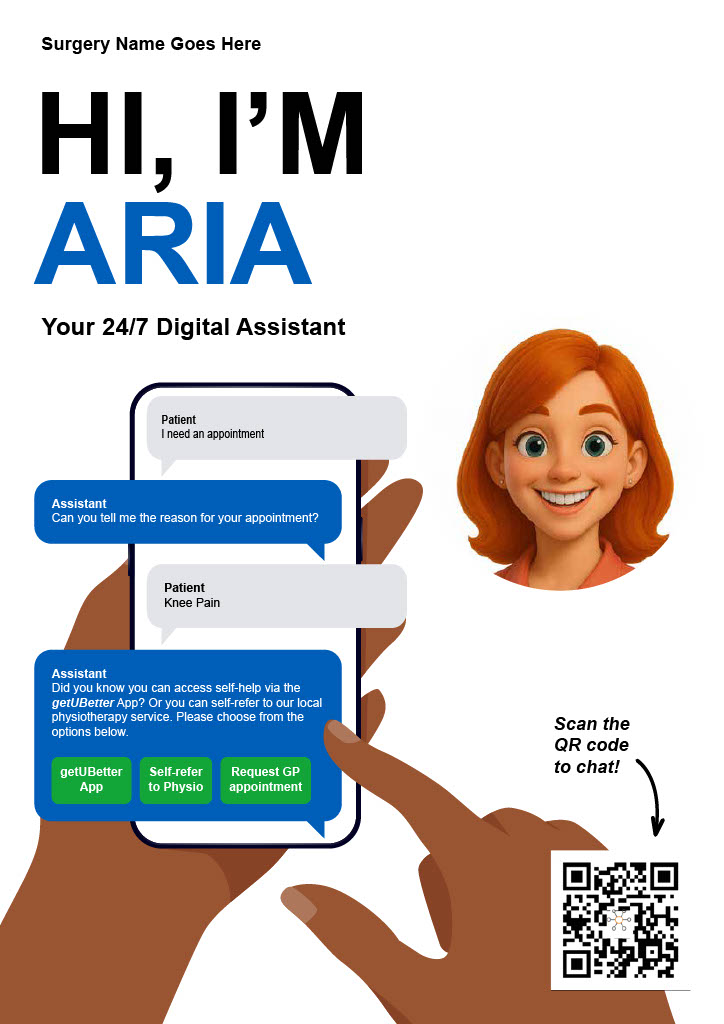
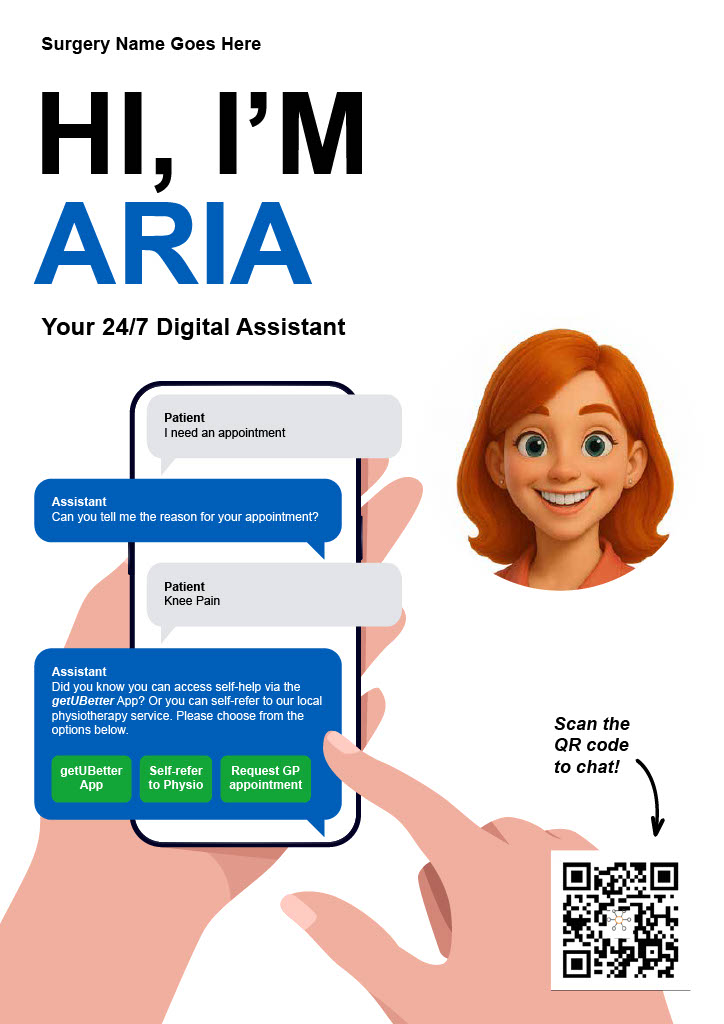
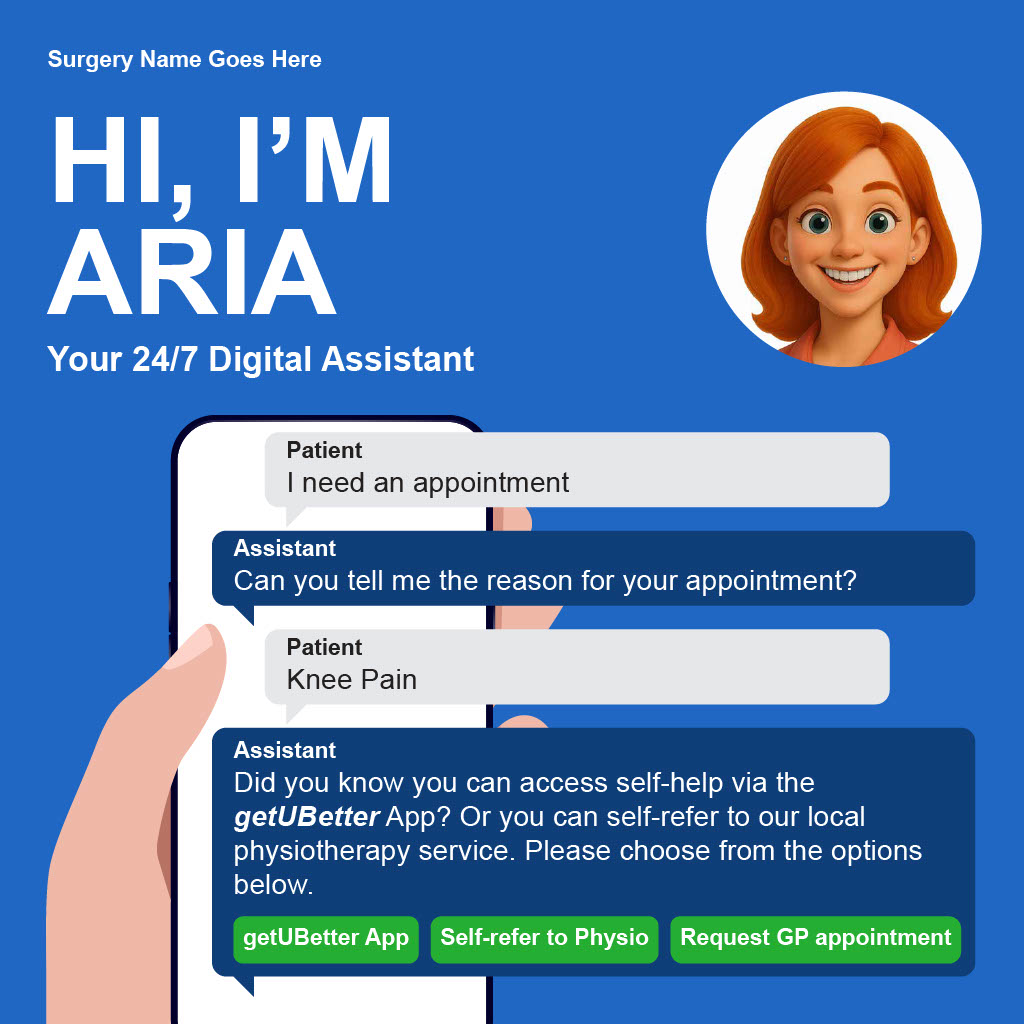
To help you communicate the arrival of your digital assistant, we can design a range of posters for your waiting room and notice boards. These posters cover both the pre-launch phase and day-to-day use once the system is live. Each poster includes a QR code, allowing patients to quickly scan for instructions and learn how the digital assistant can help them manage their requests more efficiently.
Have a look at a generic example here:
(Click to expand either image.)
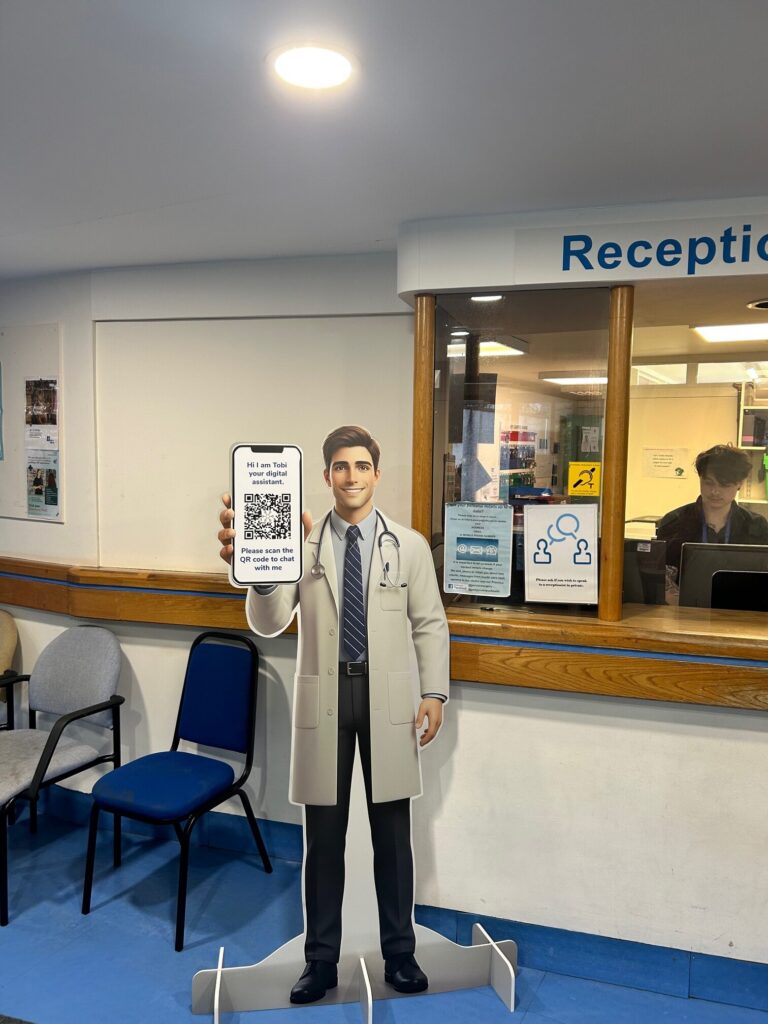
Avatar cardboard standee
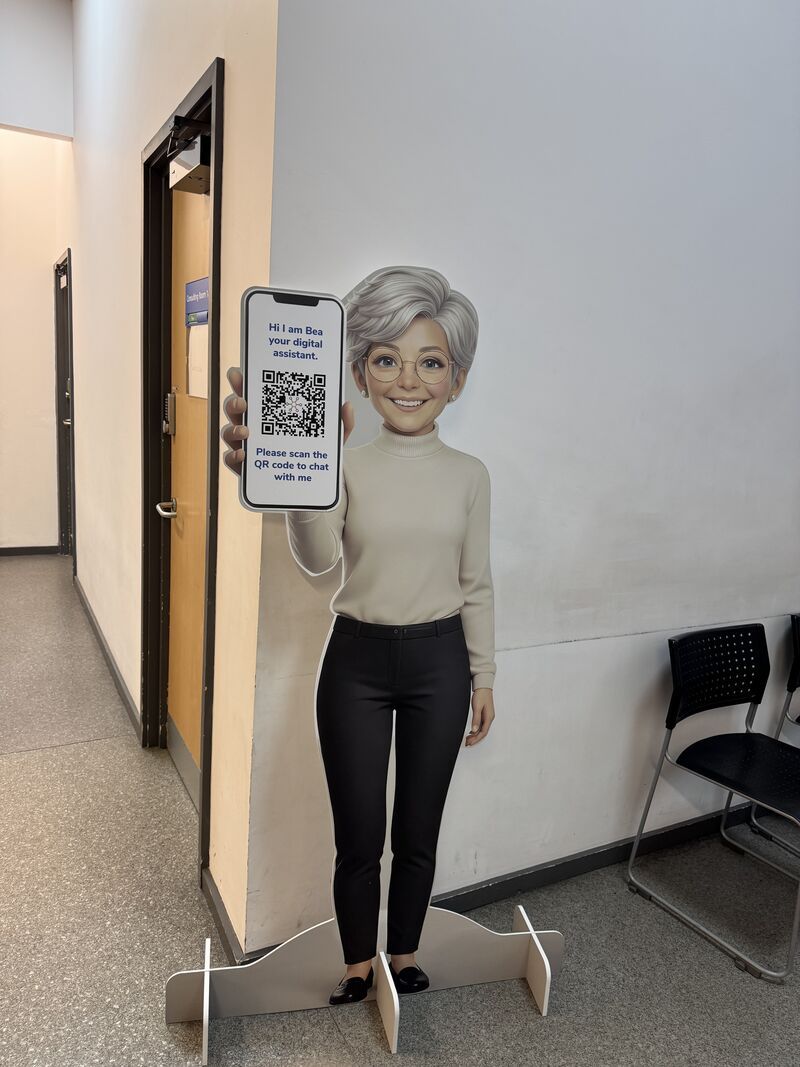
These cardboard cutouts help bring your digital assistant to life, creating a physical presence for the service within your practice. By scanning the QR code on the avatar’s phone, patients have an interactive and easy way to access guidance and start using the service on their own devices while they wait.
(Click to expand either image.)
TV waiting room video
Featuring engaging visuals, this animated introduction to your digital assistant is perfect for playing on your practice display screens in waiting areas. It includes a QR code, inviting patients to scan and learn more.
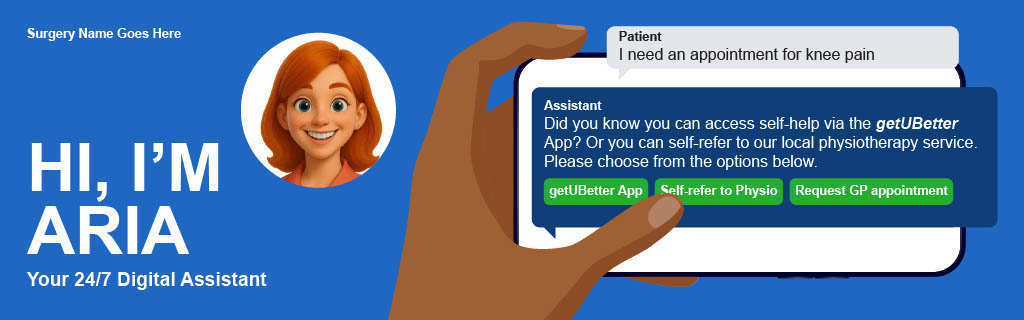
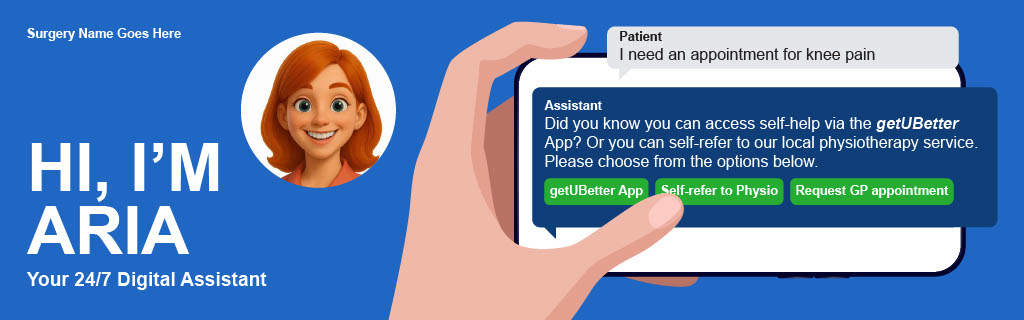
Website banners
These banners are designed to sit prominently on your homepage, using clear messaging and a direct link to ensure patients can easily find and use Surgery Assist from any device.
(Click to expand either image.)
Social media assets
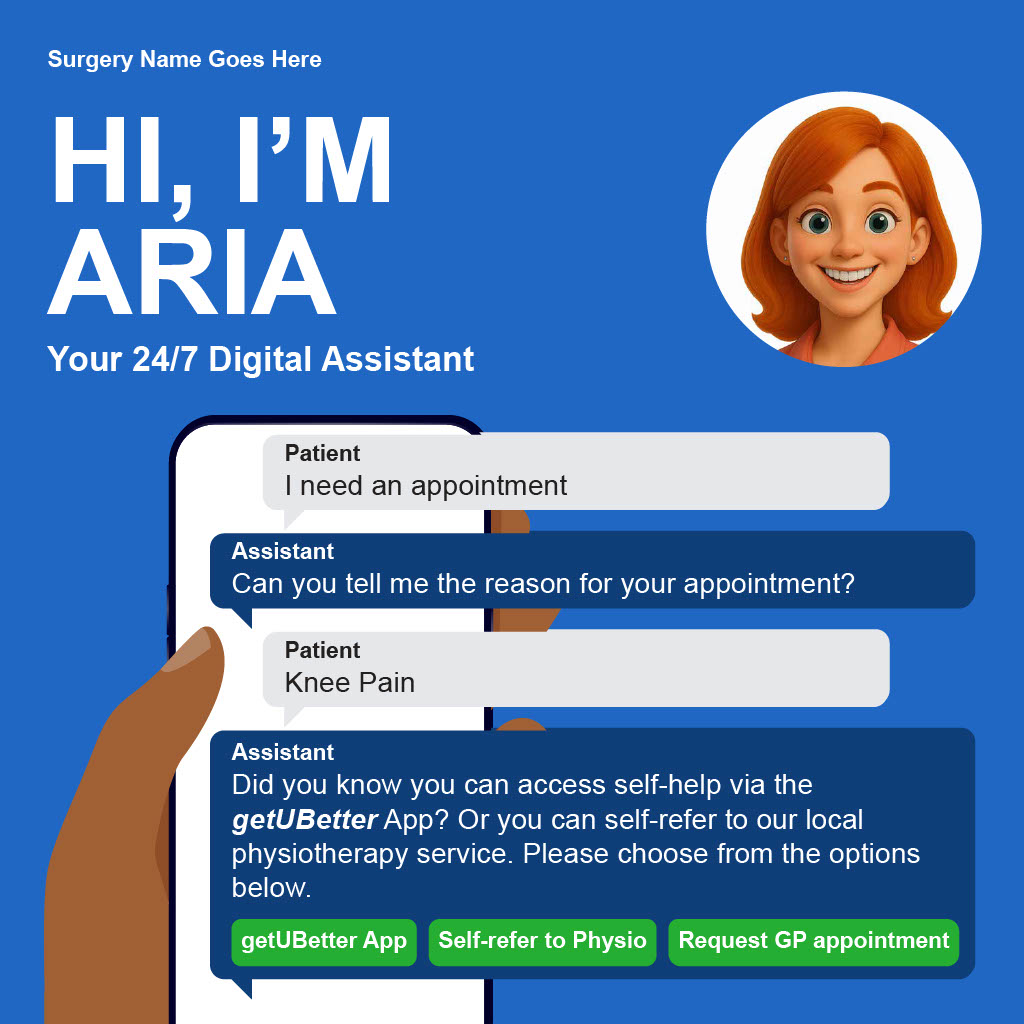
We have some examples of text and images that you can use to promote the new service to your patients in social media posts.
(Click to expand either image.)
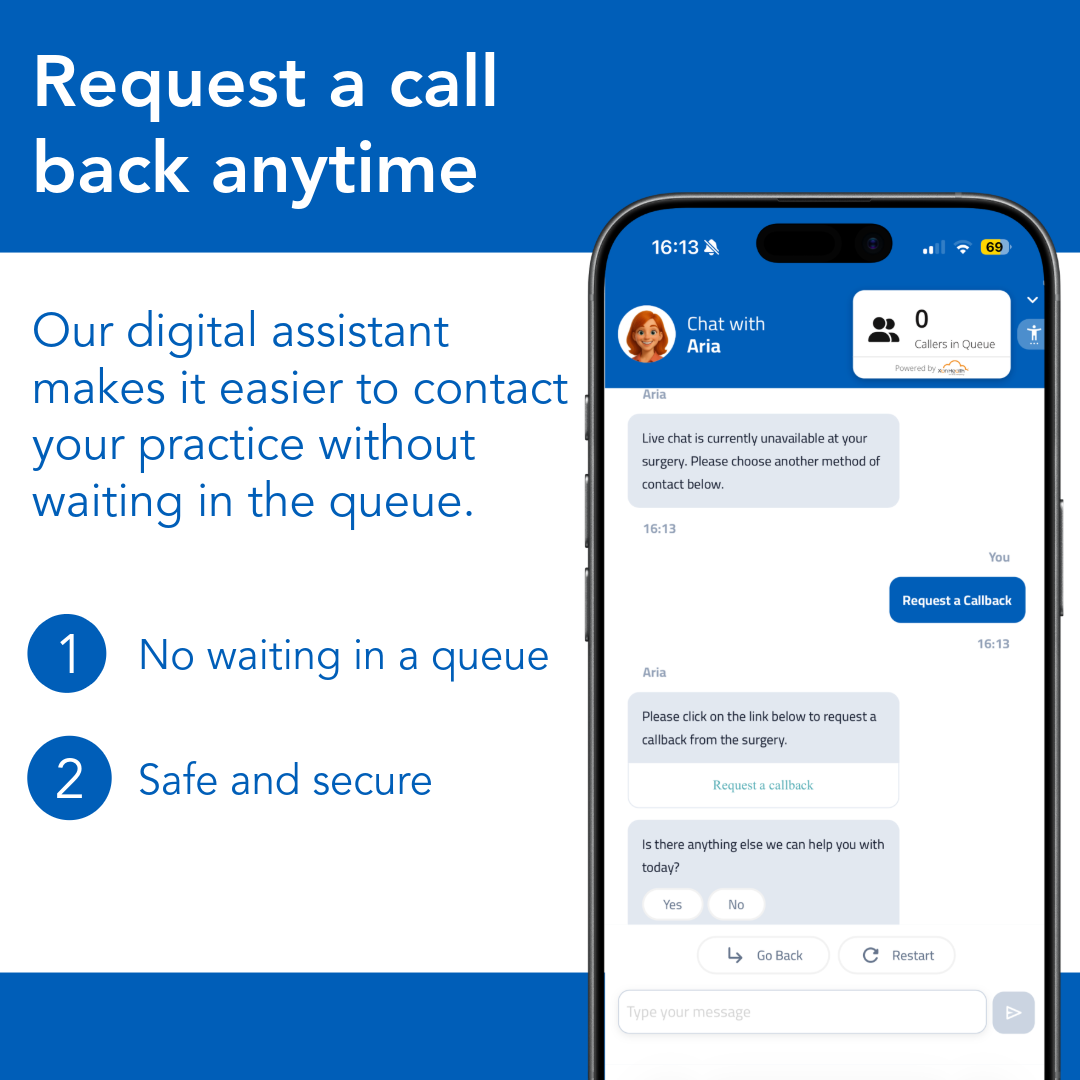
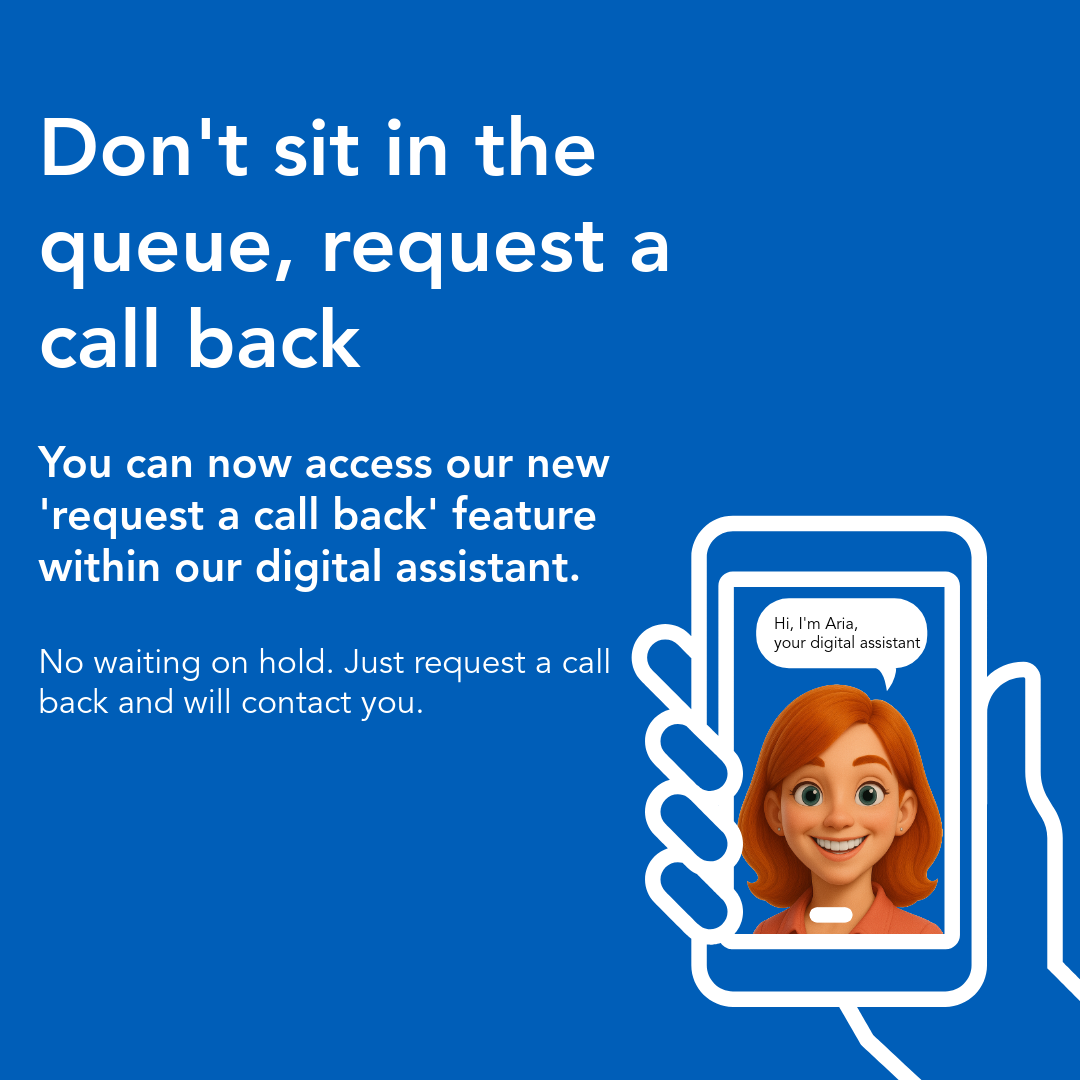
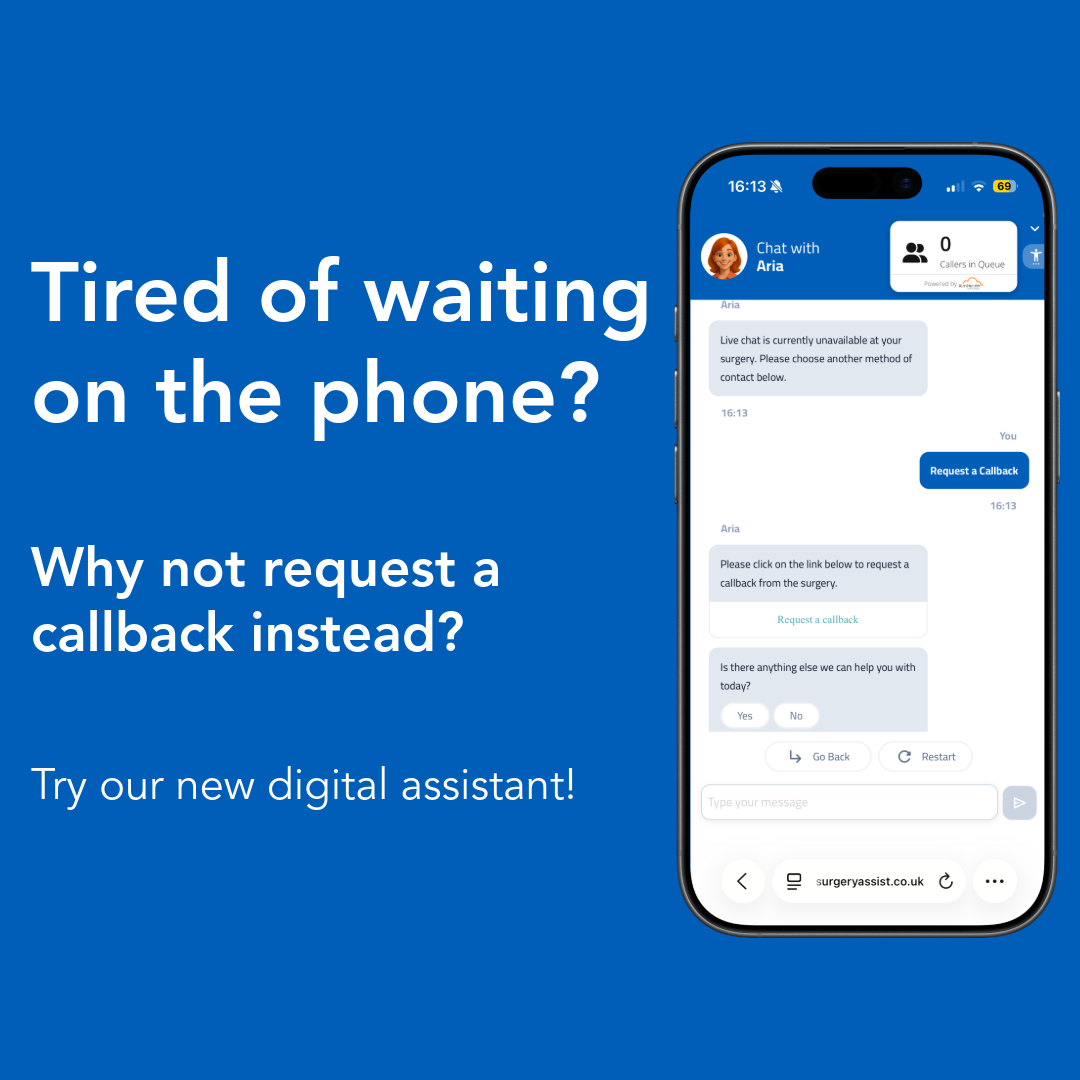
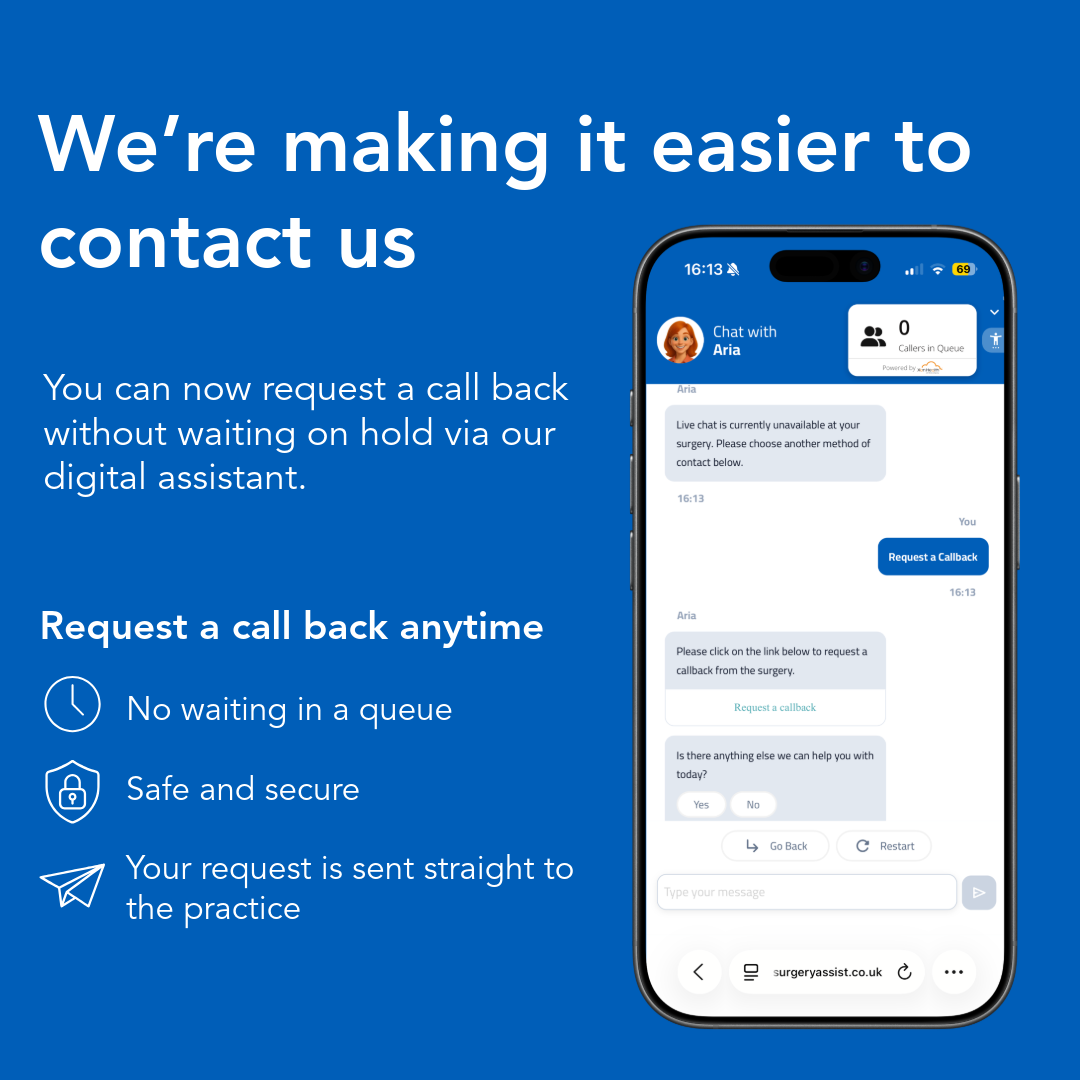
Patient callback assets:
Patients using Surgery Assist can request a callback directly through the digital assistant. If self-serve does not resolve their query, they can log their callback request digitally instead of waiting on hold.
Download and use these assets to tell your patients all about it:

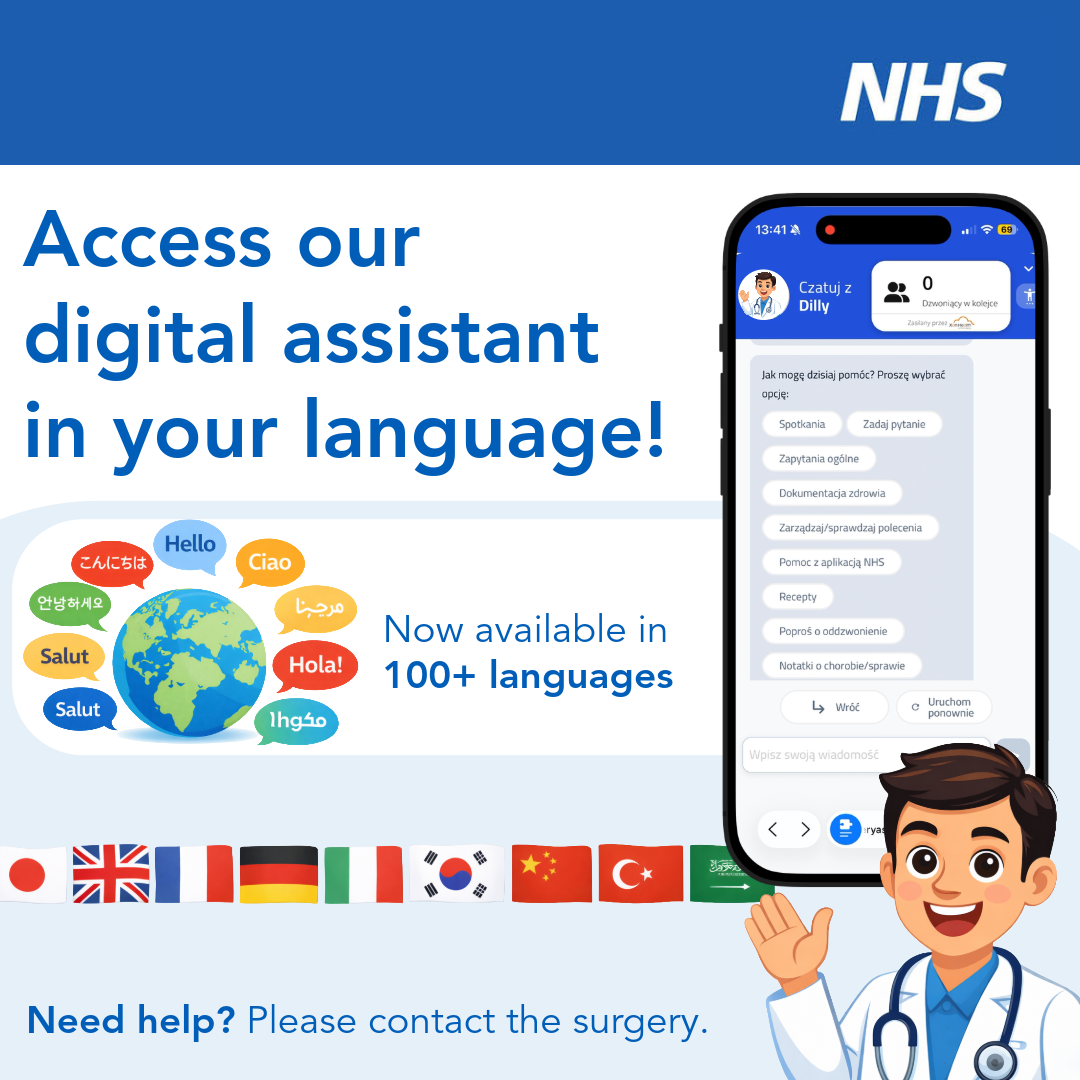
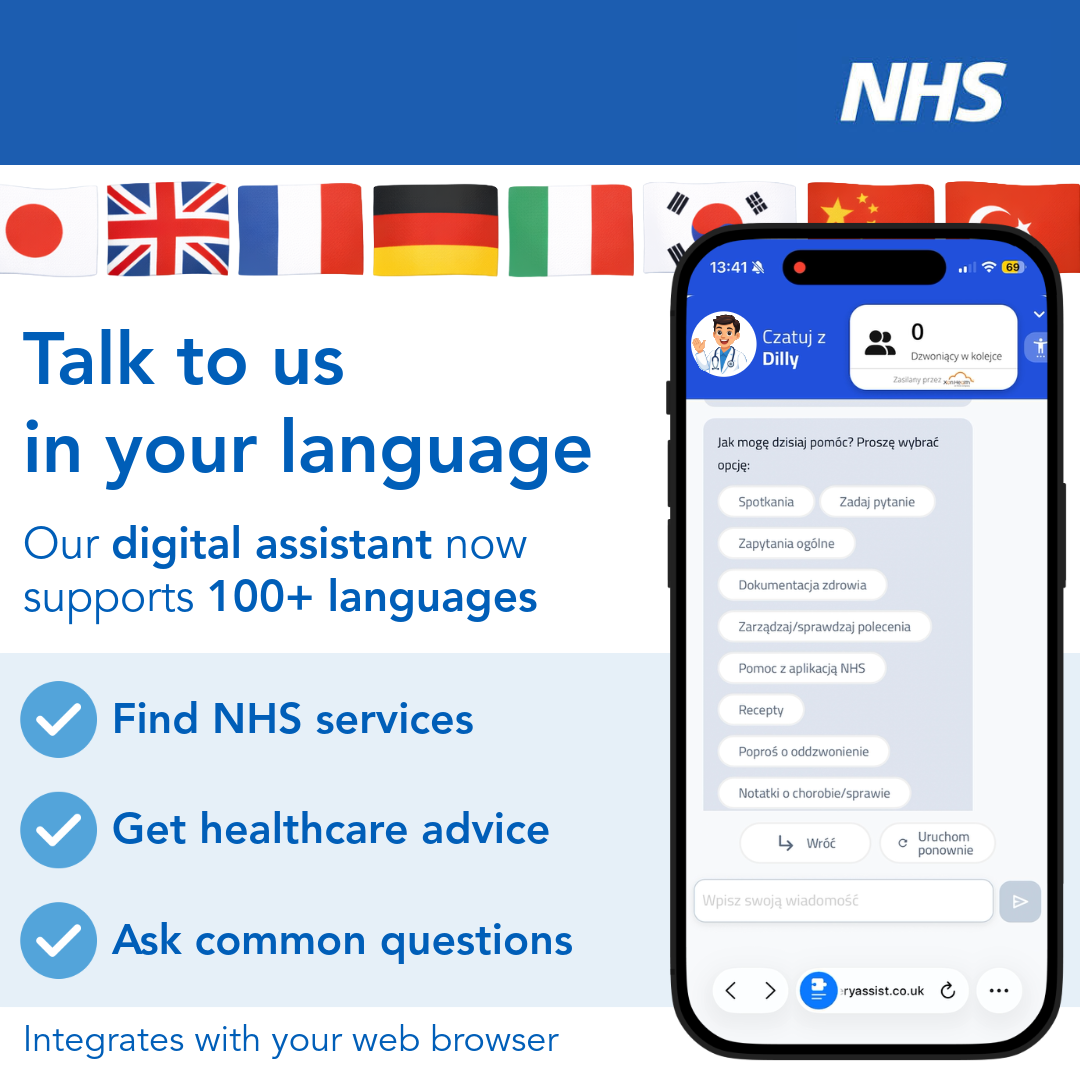
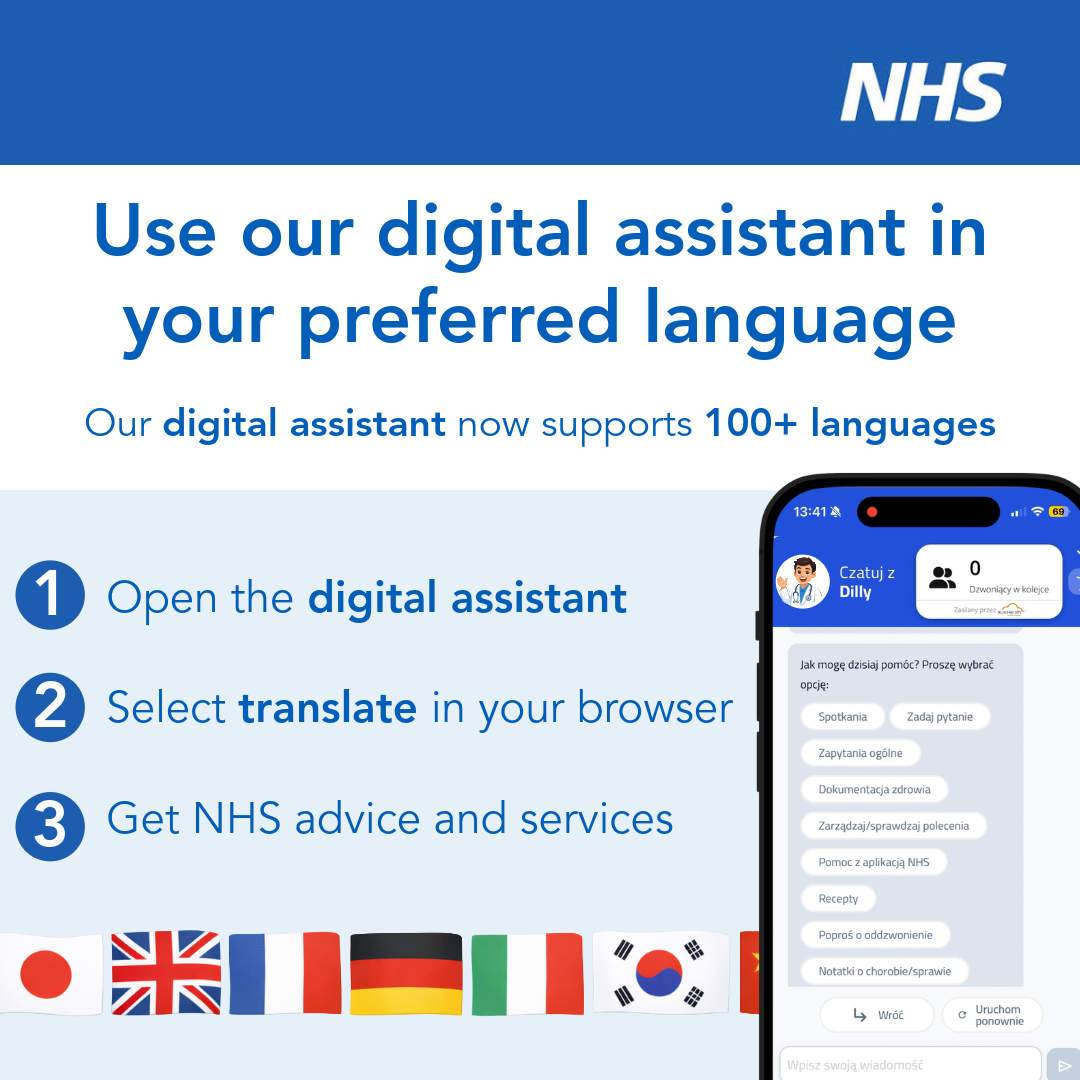
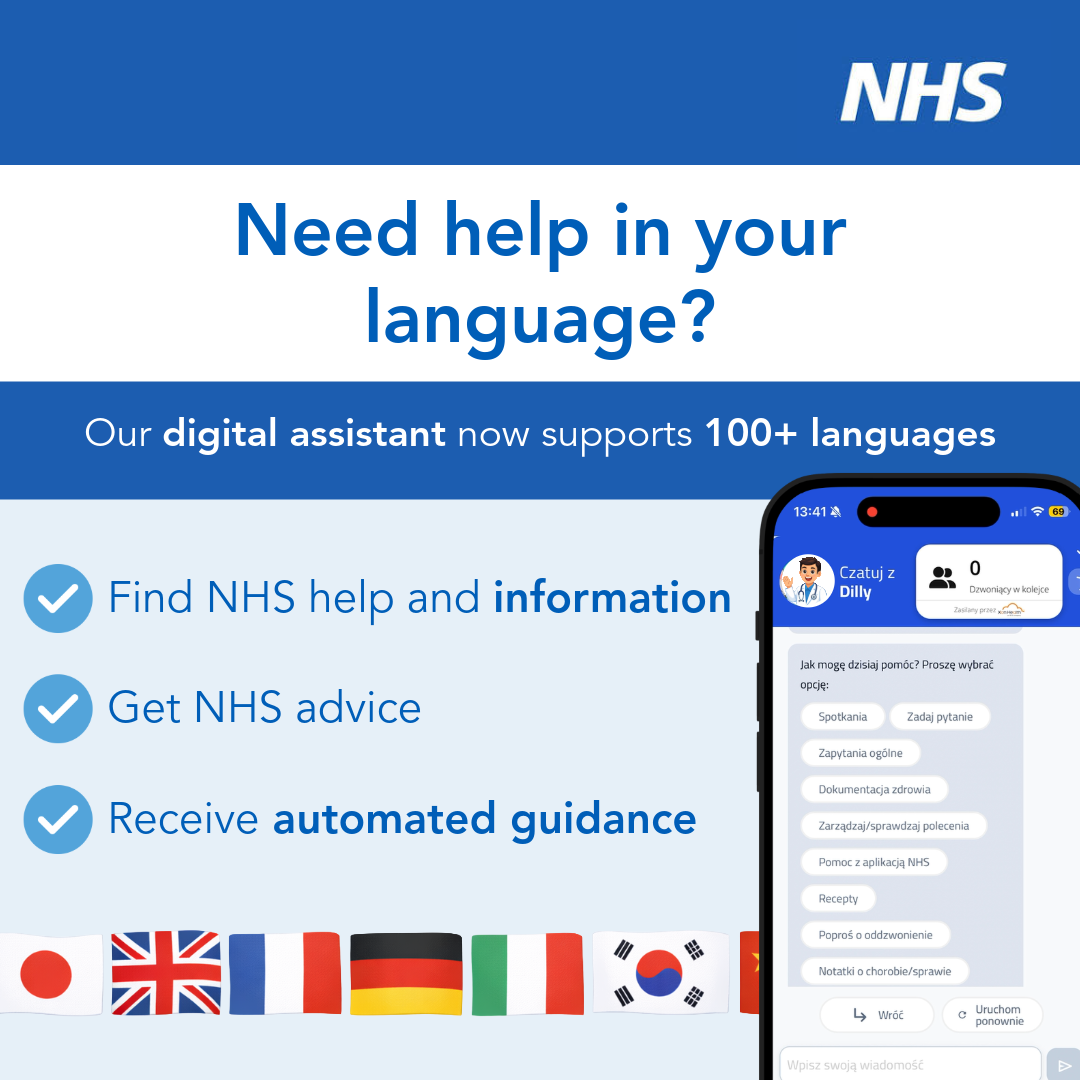
Multilingual support resources:
Multilingual Support enables the translation of over 100 languages for your patients, strengthening inclusivity, supporting equitable access and enhancing the overall patient experience.
Download and use these assets to tell your patients all about it:
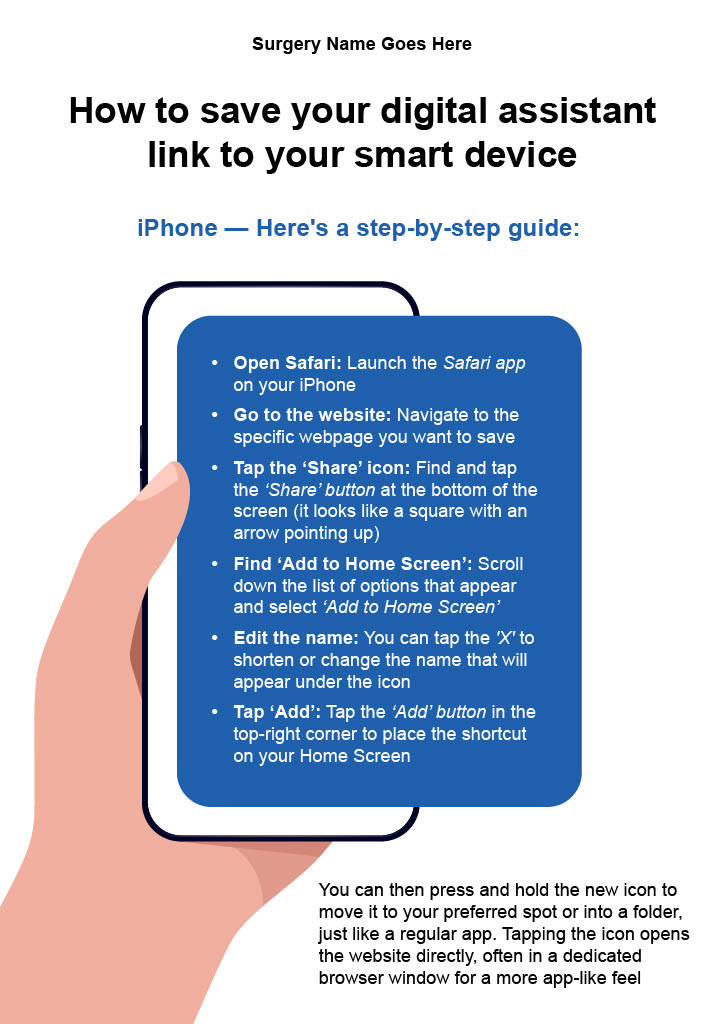
How to save your digital assistant to a smart device guide:
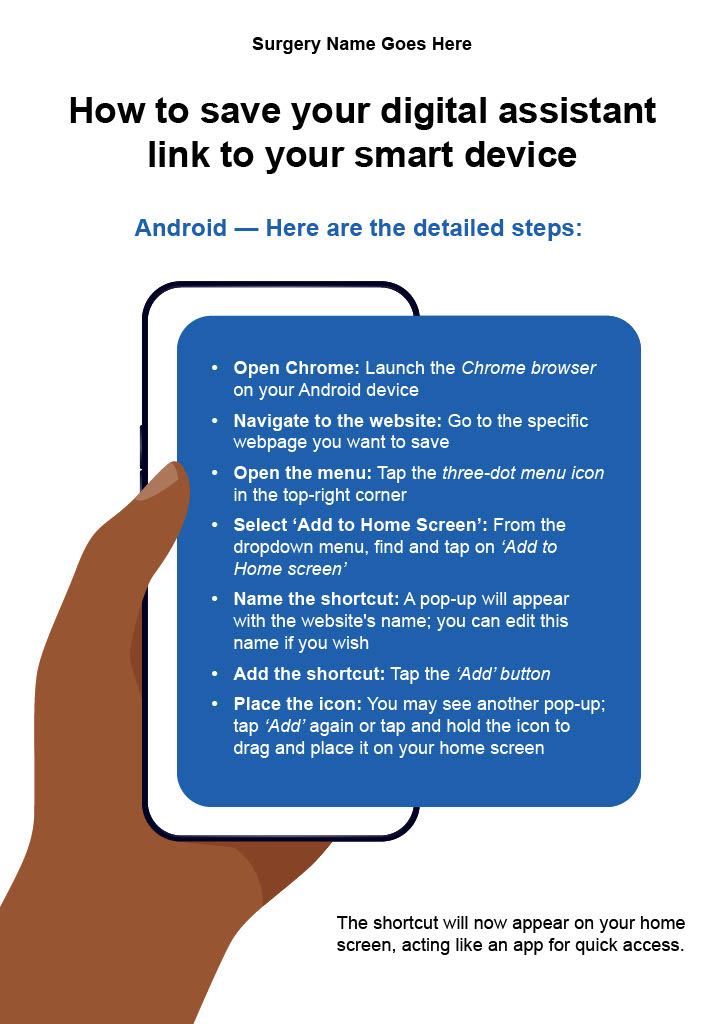
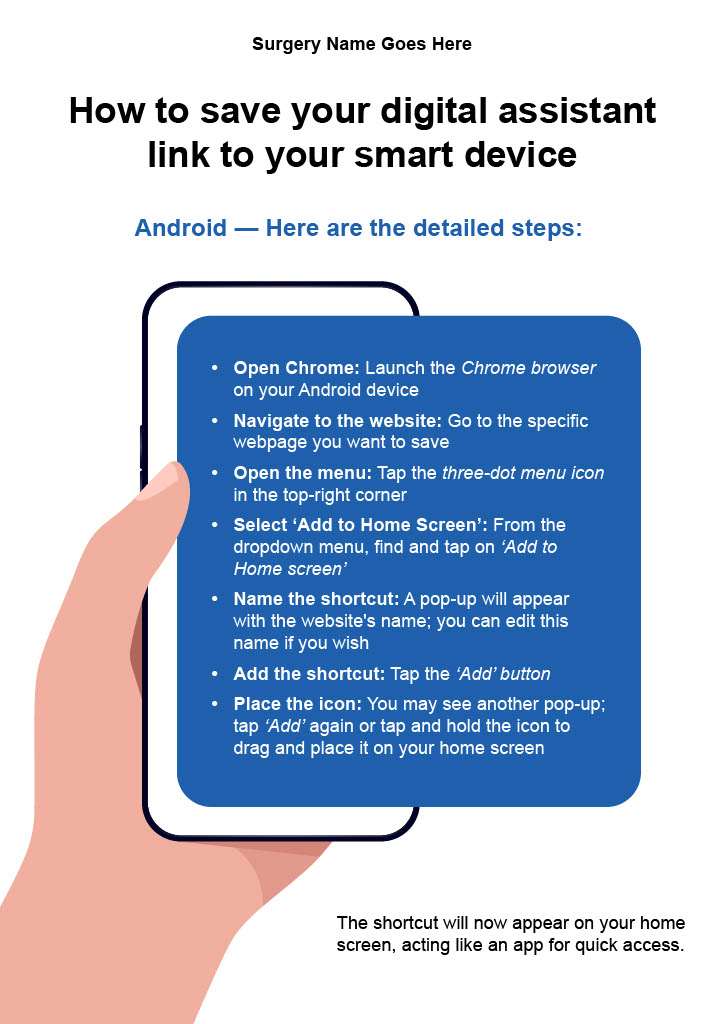
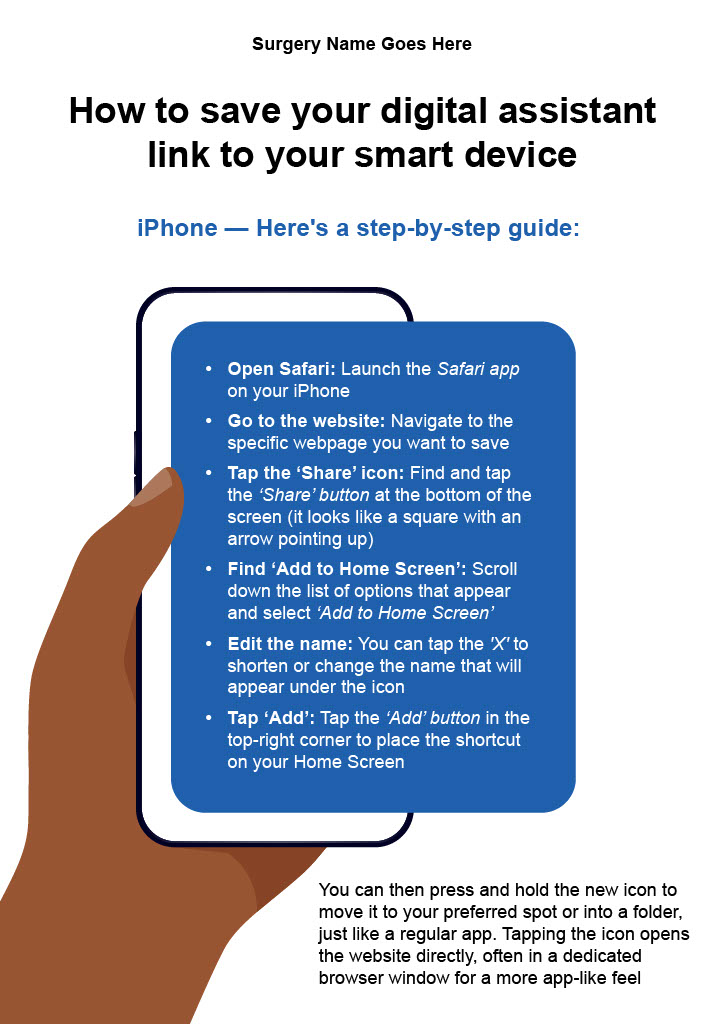
This PDF guide is designed for you to share with your patients via email or your website. It provides clear, step-by-step instructions on how to save the digital assistant to a smartphone, ensuring they have quick and easy access to them whenever they need it.
(Click to expand either image.)
Generic templates:
The following templates are designed to help you communicate the benefits of your new digital assistant to patients. This includes how to use the new tool and how it will improve their experience at the practice.
Newsletter and website information
Introductory information that can be published in your surgery newsletter or in the ‘News’ section of your website.
Meet (Name) – Your New Digital Assistant
A new convenient way to access information and health and care services
We’re happy to introduce (name), a digital assistant that helps guide you to the best place for help, often a self-service or self-referral option that gets you support faster.
(Name) uses smart AI technology so you can simply type your query in your own words and get a quick, helpful reply.
This is an extra choice for patients, not a replacement for anything. You can still call us, use online forms, or visit the surgery.
What the digital assistant can help with
It is available all day and night. It can help you:
- Learn how to use the NHS App
- Order repeat prescriptions
- Book Pharmacy First and routine appointments
- Find self-referral services
- Get answers to common questions
You can use it on our website, through our phone system, or by scanning a QR code on posters in the surgery.
Easy to use
Just type your question in normal, everyday language. For example:
- “I need a sick note.”
- “I need to book my child’s vaccinations.”
You’ll get clear steps to follow.
If the assistant can book something for you, it will.
If your request needs a member of staff, it will offer you to complete an online request or call the practice.
Safe and secure
Your privacy is very important to us.
The digital assistant uses Microsoft Services, which keep your information safe at all times.
Why this is helpful
The digital assistant gives you a convenient way to get support.
Some people prefer to call. Others prefer to go online.
Now you can choose the option that works best for you.
By offering a digital assistant, we hope it will be easier and quicker for everyone to get help, without long waits or searching through lots of pages.
Try it today
Look for the digital assistant on our website, or choose the option when you call the practice or are waiting in the call queue.
It’s here to make managing your health simpler and less stressful.
Tell us what you think
Your views matter.
Please share your feedback so we can keep improving our service.
[Link to feedback form]
(Surgery assist link)
Email templates
Example wording that can be used in an email to help you explain to your patients what the new digital assistant is and what it means to them.
Post launch:
Subject line:
Meet (Name) – Your New Digital Assistant
Header:
Your Convenient 24/7 Digital Assistant giving you access to Health and Care Information and Services
Body:
(Name) is our practice’s digital assistant. It uses smart AI technology so you can type your question in your own words, and it will guide you to the right place for help. Often a self-service or self-referral option that gets you to the support you need quickly and easily.
This is an ‘extra choice’ for patients, you can still call us, use online forms, or visit the surgery whenever you need to.
What (Name) can help with
- Learn how to use the NHS App
- Order repeat prescriptions
- Book Pharmacy First and routine appointments
- Find self-referral services
- Get answers to common questions
Safe and secure
The digital assistant runs on trusted Microsoft services that keep your information safe. You don’t need to register or give any personal details to use it.
Try it today
Look for the digital assistant on our website or choose the option when you call.
It’s designed to make getting the right help quicker and easier.
Tell us what you think
We’d love your feedback so we can keep improving.
[Link to feedback form]
(Surgery Assist link)
SMS templates
Example SMS messages you could send to your patients to help explain what the new digital assistant is and what it means to them.
- Never used the NHS app before? No worries! Our Digital Support Assistant is your friendly guide. Become more digitally literate, unlock the benefits of the NHS app, and manage your health effortlessly.
(Surgery Assist link)
- Don’t want to phone the Practice? Easily book or cancel appointments online, get quick answers, and streamline your healthcare journey with the digital support assistant. Your health, your way!
(Surgery Assist link)
- Ready to take control of your healthcare journey? Our digital assistant empowers you to manage appointments, order prescriptions, and access your medical records online. With just a few clicks, you can stay on top of your health from the comfort of your own home.
(Surgery Assist link)
- Introducing our digital assistant to help you access your healthcare online. Click here to check out.
(Surgery Assist link)