Media library
Dive into our extensive Media Library to browse our curated videos and webinars. Filter by product, role, and goal, as well as use keywords to instantly find the professional insights you’re looking for.
-
Introducing the latest Surgery Intellect, powered by TORTUS enhancements
Can’t view the content?
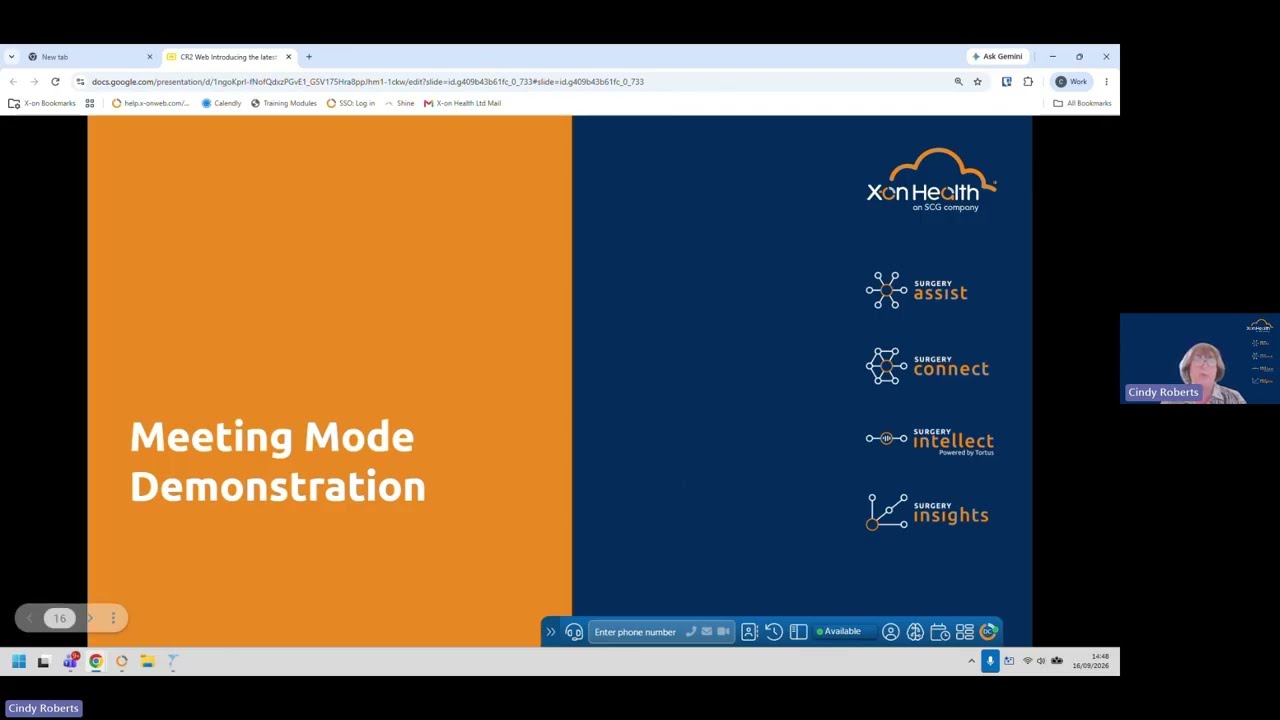
Learn how Surgery Intellect automates clinical documentation with ambient voice technology, custom templates, EHR filing, and meeting modes for efficient practice workflows.
-
One system, every access route ep5: One connected way forward
Can’t view the content?
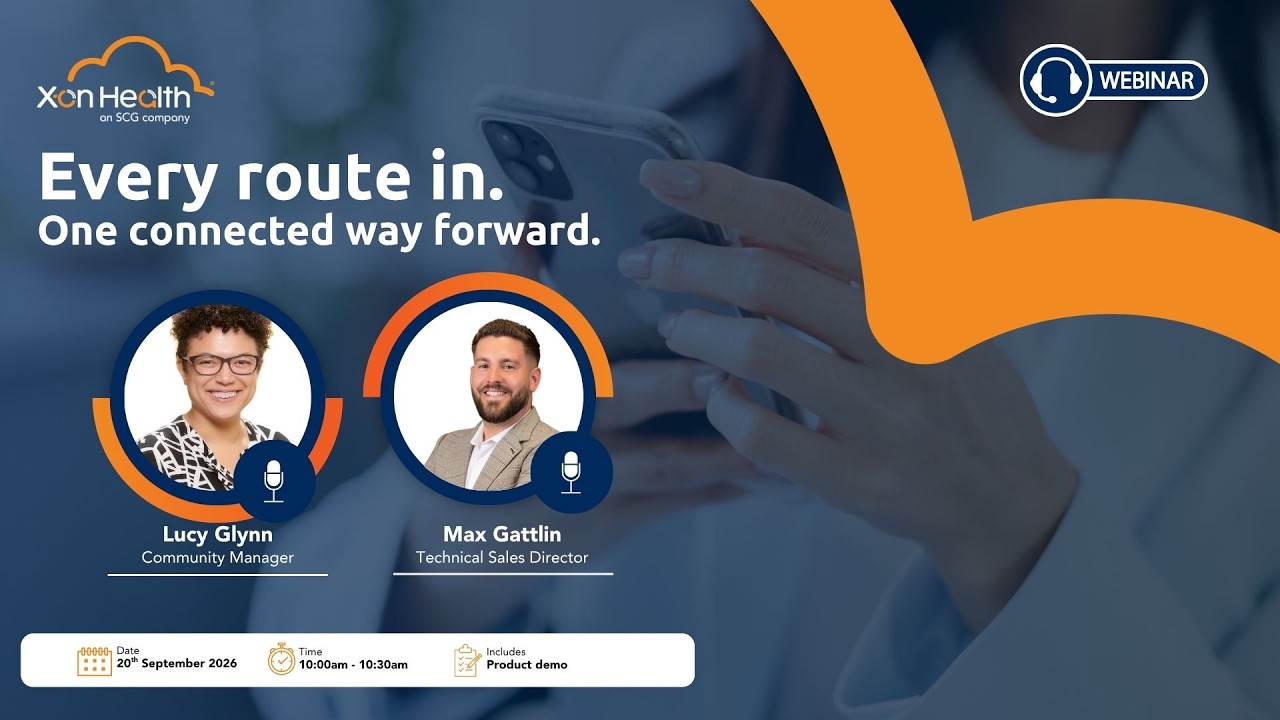
In this webinar, we looked at how different access routes can feed into a joined-up workflow, helping practices manage demand, reduce pressure and guide patients to the right support.
-
User Training – Non-integrated Navbar
Can’t view the content?
(5 minute, 55 seconds runtime) This training video guides users through the initial setup, download, and basic features of the non-integrated navbar communication tool. It also explains how the application integrates with Surgery Intellect powered by TORTUS to provide real-time, AI-driven consultation transcription and documentation assistance for clinical workflows.
-
User Training – Non-integrated Phonebar
Can’t view the content?
(7 minute, 37 seconds runtime) This training video guides users through the initial setup, installation, and login process for the non-integrated phone bar. It also covers basic features like managing device settings, handling calls, adjusting user preferences, and utilising integrated AI consultation tools like Surgery Intellect.
-
User Training – Deskphones
Can’t view the content?
(2 Minute runtime) This training video provides a guide to utilising a surgery desk phone, detailing its physical components, login procedures, and call handling features like status management and group pickups. It also outlines in-call options, such as pausing recordings or conferencing, and points users toward additional help resources like the training academy and customer success advisors.
-
From data to decisions: Introducing Enhanced Reporting
Can’t view the content?
Discover how the latest Surgery Connect Reporting updates leverage Power BI and Google BigQuery to transform your NHS practice data into actionable, visual insights. In just 30 minutes, you’ll learn to navigate refreshed dashboards, isolate high-pressure periods, and seamlessly roll out these enhanced analytical tools to your team.
-
Smarter workflows, better access: Introducing your new Surgery Connect features
Can’t view the content?
Join this 30-minute session to explore how new Surgery Connect features reduce reception “phone fatigue” and give patients more autonomy. Discover how live website widgets manage expectation queues to curb the morning rush, while dynamic, department-specific callbacks personalize patient signposting. You will also see how voicemail transcriptions and Power BI dashboards save admin time and drive data-backed decisions, alongside simpler silent monitoring for staff training and CPD-accredited rollout resources.
-
Equity of access: Introducing Omni Consultations
Can’t view the content?
Streamline patient access with a unified workflow that handles voice, digital, and staff-supported requests. This session features a live Voice Agent demo, showing how automated call-ins capture structured data to ease form reliance and reduce queues. You will learn to lower call volumes via self-booking, automate triage with Surgery Assist, and ensure true patient choice, all while accessing the CPD-certified training needed for a smooth rollout.