
GOAL PATHWAY
Optimise patient access
Our learning paths are carefully curated to help you deliver the best possible experience for staff and patients.
In primary care, delivering a great patient experience is more critical than ever. To deliver modern general practice successfully surgeries not only need to have the right tools in place, but they need to know how to utilise those tools effectively.
We have created a series of courses, webinars, and resources to help you achieve this goal.

Key courses:
These courses cover essential Surgery Connect capabilities—including Phonebar efficiency, patient self-service via Check and Cancel, and demand analysis with Surgery Insights. Complete this pathway to better understand call patterns, automate routine tasks, and improve overall access for your patients.
Watch and Learn
-
From Data to Decisions: Optimising practice performance with Surgery Insights webinar
Can’t view the content?
Built to help you manage practice demand whilst optimising patient access, Surgery Insights acts as a central hub for your operational data, merging your communication metrics with publicly available NHS data into a single, streamlined dashboard. Rather than guessing, this session will show you how to transform integrated data streams into actionable, visual insights to make confident, informed decisions for your practice.
-
Softphone/Phonebar usage
Can’t view the content?
This session explores reasons to adopt the Phonebar, the powerful app that provides access for all telephony functionality from your PC screen.
-
Management Reporting
Can’t view the content?
Learn how Surgery Connect provides intuitive management reporting tools to help manage call volumes and better understand demand.
-
Patient Callback
Can’t view the content?
Learn how Surgery Connect provides intuitive management reporting tools to help manage call volumes and better understand demand.
-
Advanced Clinical Systems Integration
Can’t view the content?
Learn how Surgery Connect integrates with major clinical systems, providing a seamless and time-saving way in which clinical and admin staff can access and record patient information during a call.
-
Check and Cancel
Can’t view the content?
This session explores how Check and Cancel acts as self-serve option that allows patients to check their upcoming appointments or cancel them at their convenience, without needing to speak with reception.


In the Summer of 2025, we hosted a series of complimentary webinars focusing on the key features at the centre of improved access. To view them, see our Access Optimisation Webinar Series.
Related resources:
General resources:

Help Centre

Surgery Connect newsfeed

Phonebar prompt card
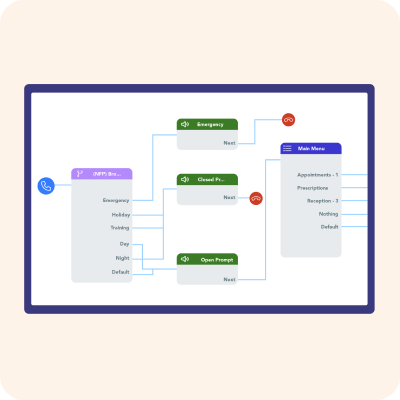
Call Routing considerations checklist
Check and Cancel troubleshooting
Patient-facing resources – supporting successful adoption:
Our collection of Patient-facing Resources make it simple to promote new features to your patients.

Surgery Assist
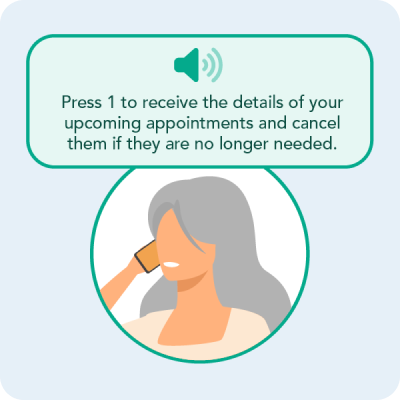
Check and Cancel

Surgery Connect
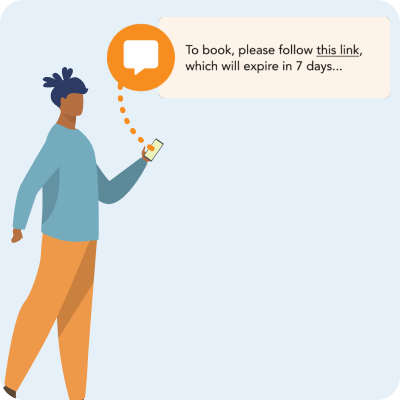
Surgery-led Appointment Bookings

Surgery Intellect
Case studies:
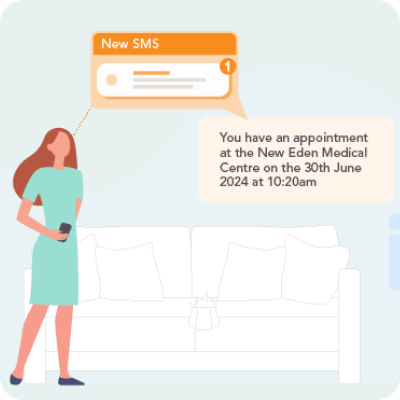
Streamlining patient navigation at Frome Medical Practice
The Bay Medical Practice improves access transparency via Website Widgets in Surgery Connect

Keppoch Medical Practice supports out-of-hours patient access through Surgery Assist

Alexander House Surgery enhances equitable access with Voice Agent

Reducing call wait times at Whitehill Surgery