

Course description
The ‘Using Surgery Intellect, powered by TORTUS on the Non-Integrated Phonebar’ course equips you to use Surgery Intellect effectively alongside the non-integrated Phonebar.
With this course, you will learn to streamline patient consultations and reduce administrative tasks using Intellect’s smart features. Discover how to optimise your workflow and improve efficiency, ensuring you get the most out of the system without requiring full clinical integration.

Learning objectives
By completing this eLearning, you will be able to:
Once you have completed all the lessons and successfully passed the assessment(s), you will receive a certificate that you can print out and include in your Personal Development portfolios.
Who is it for?

Course structure
This eLearning course uses progressive lessons to build knowledge. Lessons may include supporting images, interactive demos, or videos. Lessons can be taken in any order and paused/resumed at any time.

Assessment and certification
This self-paced course has no deadline. Some courses include a final test with a required pass mark for certification. Upon passing, learners receive a downloadable certificate for personal development portfolios.

Navigation help
For detailed guidance on navigating the eLearning lessons effortlessly, explore our comprehensive instructional course. This course provides step-by-step instructions and tips to enhance your learning experience.
“Give it a try, see how it integrates into your workflow and see if you can save some time and destress a little bit.”
Paul Hughes, Clinical Pharmacist Partner at St Austell Healthcare
Lesson resources
Included below are links to further, more detailed information about the various elements of the Surgery Intellect, powered by TORTUS, feature. Just click the images for quick access. Enjoy!
Guides and resources:

Help Guide
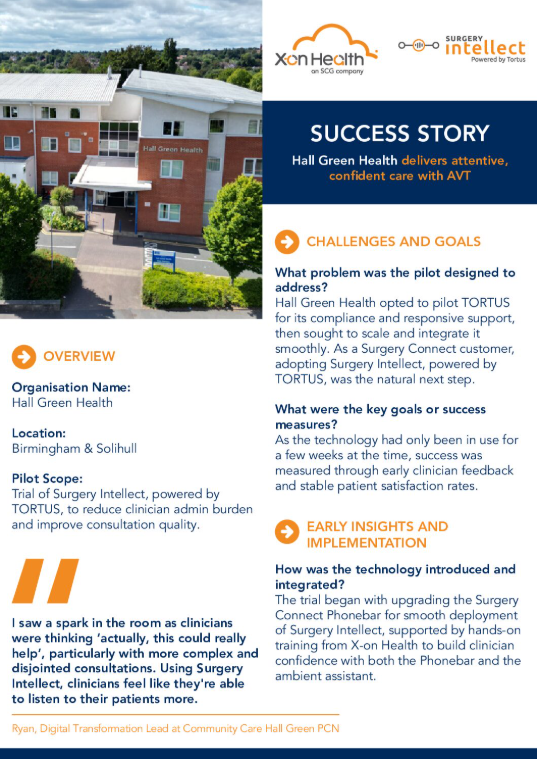

Using Surgery Intellect, powered by TORTUS at Golborne Canalside Health Centre case study