Course description
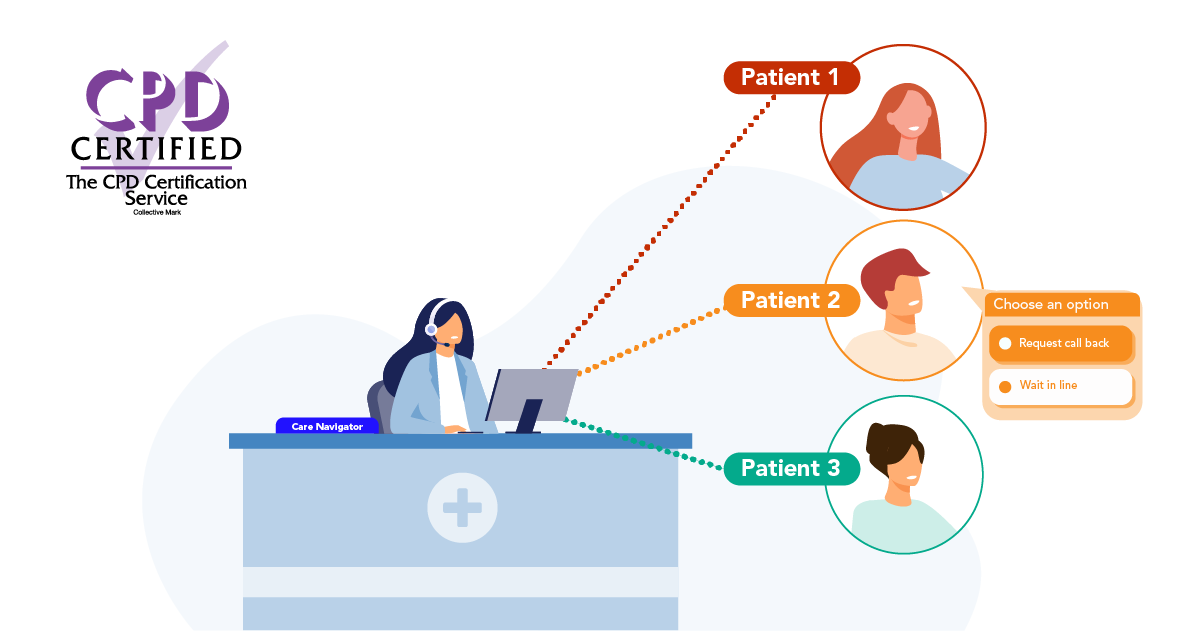
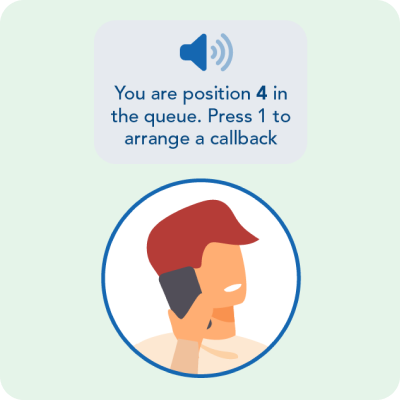
The Optimise Patient Callback course for Surgery Connect users provides the skills, knowledge, and confidence to effectively configure and use the advanced Patient Callback feature. This feature allows patients to join a virtual queue, eliminating the need to stay on hold while retaining their place in the queue, ultimately enhancing the patient experience.
In this course, you’ll explore the benefits of the Patient Callback feature and learn how to customise its configuration to meet the unique needs and demands of your practice.

Learning objectives
By completing this eLearning, you will be able to:
Once you have completed all the lessons and successfully passed the assessment(s), you will receive a certificate that you can print out and include in your Personal Development portfolios.
Who is it for?
User stories – Jamal Syed
Listen to Prash Thurairatnam from Tudor Lodge Health Centre about how they implemented Patient Callback.
“The Patient callback was what set X-on apart from the other products we looked at. This meant that patients need not wait on the phone and that the practice did not need to remember to call them back as it was all automated.”
Jamal Syed, Operations Manager at Hall Green Health
Access optimisation course series
NHS delivery plan for recovering access to primary care
With the Delivery plan for recovering access to primary care update and actions for 2024/25 at the forefront of all our minds, throughout the course, we will call out the direct benefits of our features and how they can help you to meet the requirements and ultimately, the associated funding.
← Look out for this icon and blue box throughout the course.

Course structure
This eLearning course uses progressive lessons to build knowledge. Lessons may include supporting images, interactive demos, or videos. Lessons can be taken in any order and paused/resumed at any time.

Assessment and certification
This self-paced course has no deadline. Some courses include a final test with a required pass mark for certification. Upon passing, learners receive a downloadable certificate for personal development portfolios.

Navigation help
For detailed guidance on navigating the eLearning lessons effortlessly, explore our comprehensive instructional course. This course provides step-by-step instructions and tips to enhance your learning experience.
Lesson resources
Included below are links to further, more detailed information about the various elements of the Patient Callback feature. Just click the images for quick access. Enjoy!
Guides:
Activating or removing Patient Callback from a Group Guide
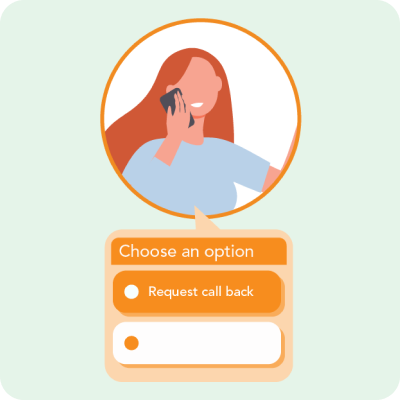
Service Delivery Console – Numbers Overview Guide
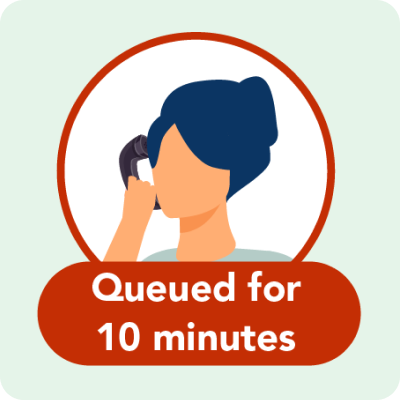
Patient Callback feature Guide
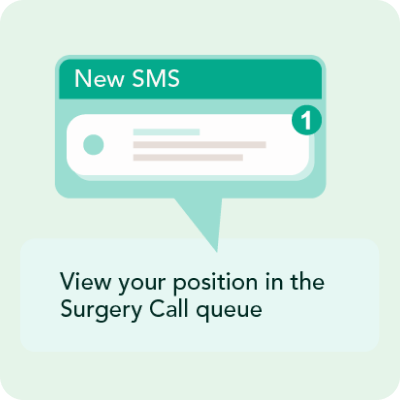
Configuring Patient Callback Guide
Guides:
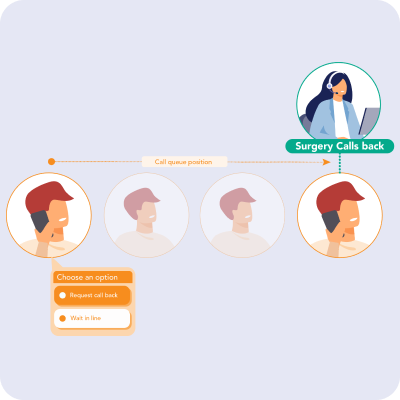
Optimise Patient Callback Demos

Reducing call wait times at Whitehill Surgery Case Study