
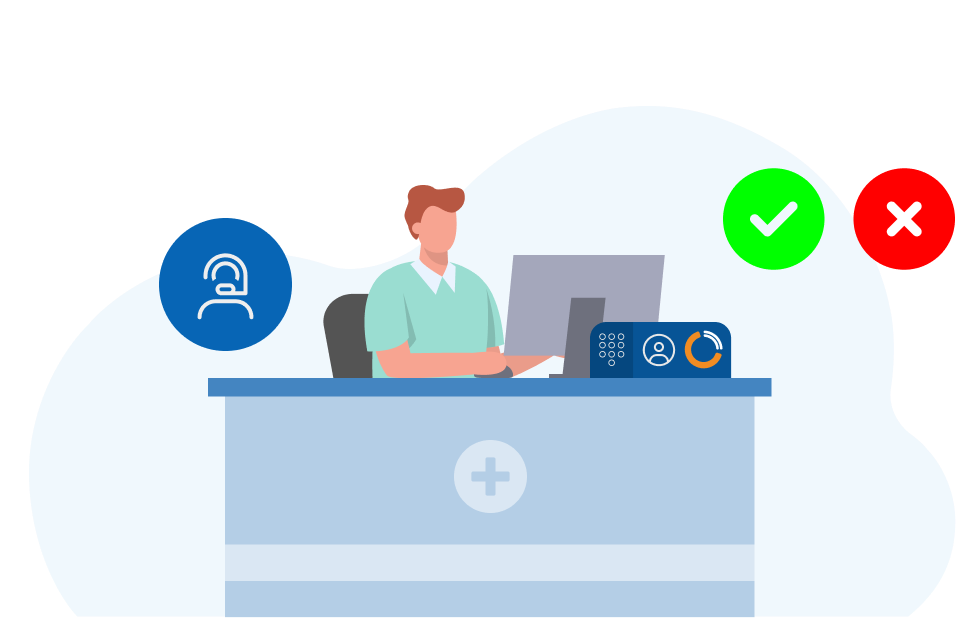

To use this feature, please ensure you’ve upgraded to Phonebar Version 8.6.7 (or above). Guides on how to upgrade your Phonebar can be accessed here.
Course description
The New release – Silent Monitoring In The Phonebar course will guide you through step-by-step on how to use Silent Monitoring on the Phonebar. With this course, you will identify the benefits of using Silent Monitoring within your practice and how to effectively integrate it into your relevant workflows.

Learning objectives
By completing this eLearning, you will be able to:
Once you have completed all the lessons and successfully passed the assessment(s), you will receive a certificate that you can print out and include in your Personal Development portfolios.
Who is it for?
This training is designed for all members of the practice team, as Silent Monitoring offers versatile benefits depending on your role:
Suggested courses
We suggest completing this related course to put this feature into context. You might also find it helpful to explore our newest feature, now available in Surgery Connect.

Course structure
This eLearning course uses progressive lessons to build knowledge. Lessons may include supporting images, interactive demos, or videos. Lessons can be taken in any order and paused/resumed at any time.

Assessment and certification
This self-paced course has no deadline. Some courses include a final test with a required pass mark for certification. Upon passing, learners receive a downloadable certificate for personal development portfolios.

Navigation help
For detailed guidance on navigating the eLearning lessons effortlessly, explore our comprehensive instructional course. This course provides step-by-step instructions and tips to enhance your learning experience.
Lesson resources
Included below are links to further, more detailed information about the various elements of the Silent Monitoring feature.
Help Centre Guide
Silent Monitoring through the User Console
Please note: Silent Monitoring via the User Console is only accessible to Supervisor level Users.
To have Silent Monitoring added to your service for the User Console, please raise a ticket via the Support Portal or call the Support Team directly. More details on Silent Monitoring on the User Console can be accessed below:

We recommend making full use of the Phonebar, which provides additional benefits beyond those of a desk phone and User Console. For more information: https://surgeryconnect.academy/course/getting-started-with-the-phonebar/